PRUSA
MK4S
VOLUME
250×210mm
VELOCITY
250mm/s
EXTRUDER
NEXTRUDER
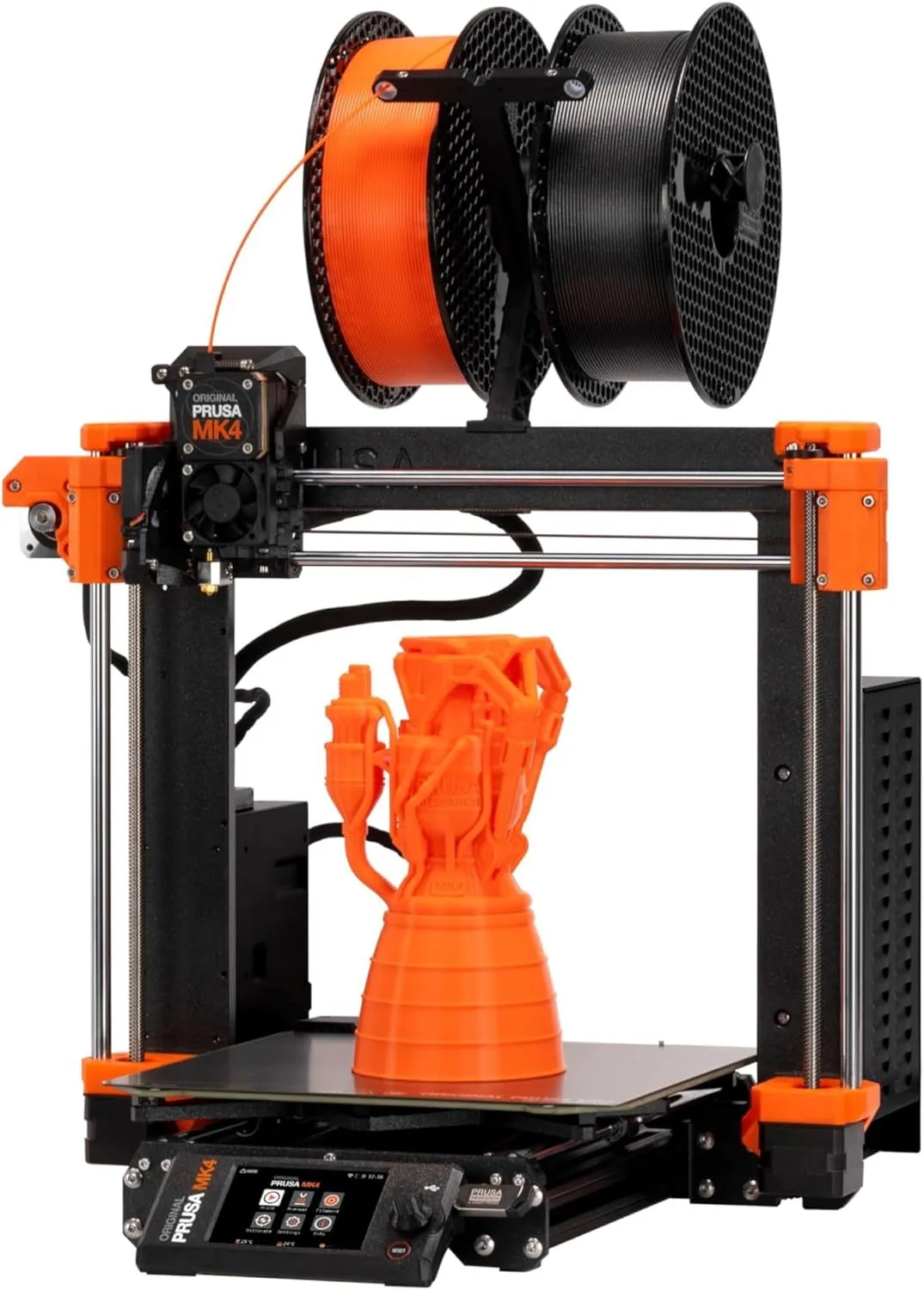
THE THINKING PERSON'S PRINTER
The thinking person's 3D printer. It lacks CoreXY speed and an enclosure, but compensates with unmatched accuracy, open-source principles, and the best slicer in the industry.
The Prusa MK4S is the anti-hype machine. While every competitor races to advertise 500-600mm/s speeds, Prusa ships a 250mm/s bed-slinger with Input Shaper — and 491 out of 506 reviewers love it. That 97% enthusiast ratio is the highest in our entire review database. We recommend the MK4S for anyone who values repairability, open-source firmware, and lifetime support over raw speed. The MK4S wins on things that do not make good marketing headlines: load cell first-layer precision, 360-degree part cooling, open-source firmware you can audit and modify, documentation so thorough that reviewers call out the instructions as a product feature, and lifetime technical support that actually responds. It is slower than CoreXY. It costs more per millimeter of build volume. And it has the most loyal user base of any printer we cover.
THE OPEN-SOURCE ARGUMENT [ PHILOSOPHY ]
Here is the thing about the Prusa MK4S: the spec sheet makes it look overpriced. At $599 for a kit or $799 assembled, you get a bed-slinger that prints at 250mm/s in a 250 × 210mm build area. The Creality K2 SE prints at 500mm/s in a 220mm CoreXY build area for $199. The ELEGOO Centauri Carbon adds an enclosure and 320°C nozzle for $360. On raw specifications, the MK4S loses every comparison. And yet 491 out of 506 reviewers are enthusiasts, with "quality" appearing in 16% of reviews, "instructions" in 14%, and "great" in 25%.
The discrepancy between specs and satisfaction tells the real story. Despite costing twice as much as faster CoreXY alternatives, the MK4S prioritizes outcomes over numbers. The load cell sensor — a force-measurement device in the nozzle assembly — physically touches the build plate and measures compression force at multiple points. No other consumer printer does this. Inductive and capacitive sensors estimate distance; the load cell measures contact. The result is first-layer adhesion accuracy that reviewers describe as "perfect" — the word appears so frequently in the dataset that it flags as an unmentioned feature because marketing never explicitly claims it.
The 360-degree cooling system blows air around the entire circumference of the nozzle simultaneously. Most printers have a single cooling fan blowing from one direction — overhangs facing away from the fan cool slower and sag. The MK4S cools all overhangs equally regardless of orientation. For functional parts with steep overhangs, this eliminates the support structures that other printers require, saving material and post-processing time. After 6 months of use, experienced MK4S owners learn to design parts with overhangs they would never attempt on a single-fan machine — the cooling system changes what the printer can produce, not just how fast it produces.
One reviewer captured the Prusa philosophy perfectly: "Yes, the price is a bit high for being a bed slinger, but I am EXTREMELY happy I went with this over another proprietary, planned obsolescence machine." That sentence explains why Prusa survives against cheaper, faster competitors. Open-source firmware means the community can fix bugs independently of Prusa's release schedule. PrusaSlicer works with every printer, not just Prusa's. Replacement parts are standard hardware, not proprietary modules. The MK4S is designed to be understood, modified, and maintained by its owner — a philosophy that creates the kind of loyalty no spec sheet can measure.
Switching from a Bambu Lab printer to the MK4S, the first thing you notice is the noise profile. The Bambu bed-slingers (A1 Mini at 48dB, A1 at 49dB) achieve their quiet operation through active motor noise cancellation. The MK4S at ~50dB is slightly louder but the sound character is different — a lower-frequency hum from the bed movement without the suppressed stepper whine. In a quiet room, you notice the MK4S. In a workshop with background noise, you do not. The MK4S is not designed to be silent — it is designed to produce accurate parts, and the engineering resources went to the load cell and cooling system instead of noise suppression.
The NFC filament recognition deserves mention because it solves a real problem. Each spool with an NFC tag is read by the printer at loading, auto-selecting the correct temperature, speed, and retraction profile. Bambu does this with RFID. The difference: Prusa's NFC tags are open standard — third-party filament manufacturers can create compatible tags, and the community has developed NFC writing tools for DIY tagging. Bambu's RFID system only works with Bambu-branded spools. For users who buy filament from Hatchbox, Polymaker, or eSUN, the open NFC approach means auto-detection works with any brand willing to embed a tag — and the DIY path means it works even when they don't.
The Prusa Connect cloud platform rounds out the ecosystem. Remote print monitoring, job queuing from any browser, and multi-printer management are built in — no subscription, no account lock-in. Print farms running dozens of MK4S units use Prusa Connect as a free management layer. The platform is less polished than Bambu's cloud offering (no integrated model library comparable to MakerWorld), but it is open, self-hostable, and does not require sending print data through a third-party server if you prefer to keep files local. For privacy-conscious users and businesses with IP concerns, this self-hosting capability is a requirement that no other manufacturer offers at this price point.
Strengths
- 01_ Load cell sensor ensures perfect first layers every time
- 02_ 360-degree cooling allows steep overhangs without supports
- 03_ High-flow CHT nozzle closes the speed gap to CoreXY machines
- 04_ PrusaSlicer is best-in-class — open-source firmware and full user control
Weaknesses
- 01_ Bed-slinger design physically limits acceleration vs CoreXY
- 02_ 250 × 210mm build area is smaller than 256mm competitors
- 03_ $599-799 competes directly with enclosed machines like P2S
- 04_ No enclosure — Prusa Enclosure sold separately at $200+
TECHNICAL SCHEMATIC
[ SYSTEM_PARAMETERS: VERIFIED ]
Print Speed
250mm/s max (Input Shaper)
Build Volume
250 × 210 × 220mm
Technology
FDM, Cartesian
Extruder
Nextruder direct drive, high-flow CHT nozzle
Auto Leveling
Load cell sensor
Enclosure
Open frame (enclosure sold separately)
Max Nozzle Temp
300°C
Connectivity
WiFi, Ethernet, NFC, Prusa Connect
Noise Level
~50dB
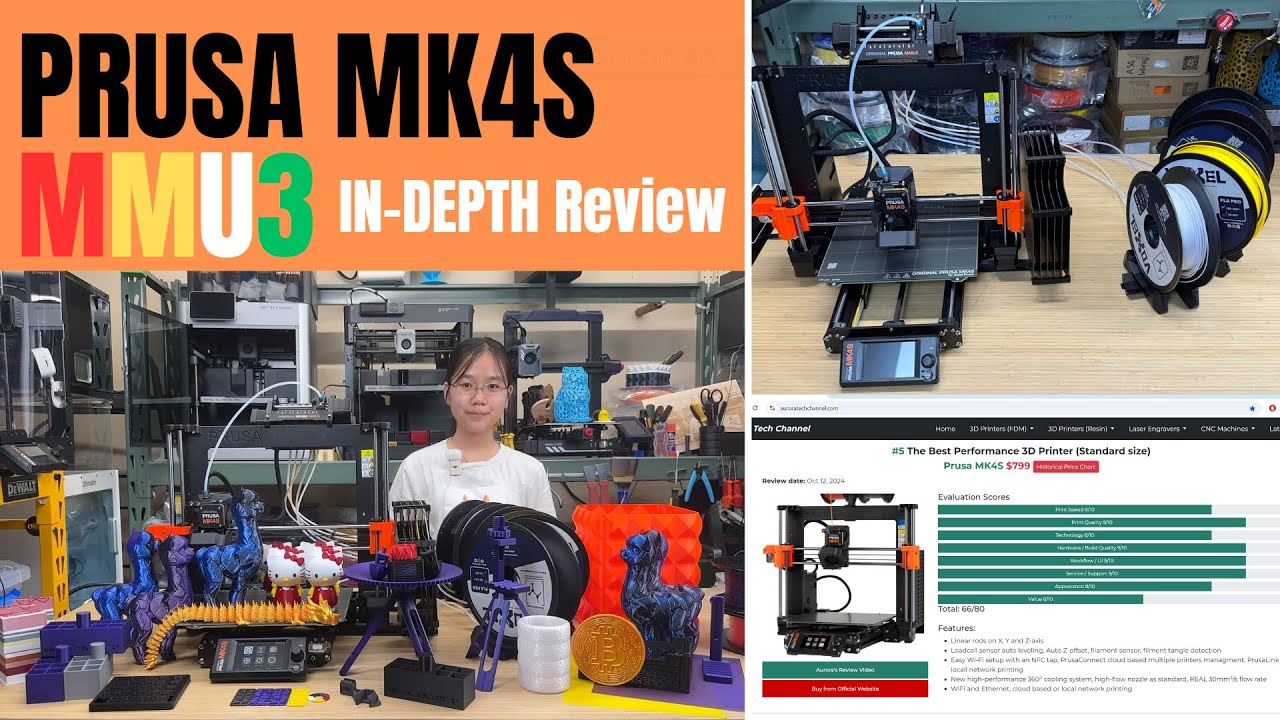
Load Cell: Why First Layers Never Fail
The load cell is a strain gauge embedded in the nozzle assembly. During the pre-print leveling sequence, the nozzle touches the build plate at 16 points and measures the exact compression force at each location. This creates a surface map that accounts for plate warping, debris, and thermal expansion — variables that proximity sensors (used by Bambu, Creality, ELEGOO) estimate but cannot directly measure.
The practical impact: the MK4S achieves consistent 0.05mm first-layer squish across the entire build surface without user intervention. On printers with proximity sensors, first-layer calibration is "close enough" — occasional adhesion failures on corners or edges where the plate warps by 50-100 microns. On the MK4S, first-layer failures are essentially zero when the load cell is functioning correctly. The 64 reviewers who confirmed the Nextruder/quality-of-life claim specifically called out first-layer reliability as a defining experience.
The Kit Experience: Assembly as Education
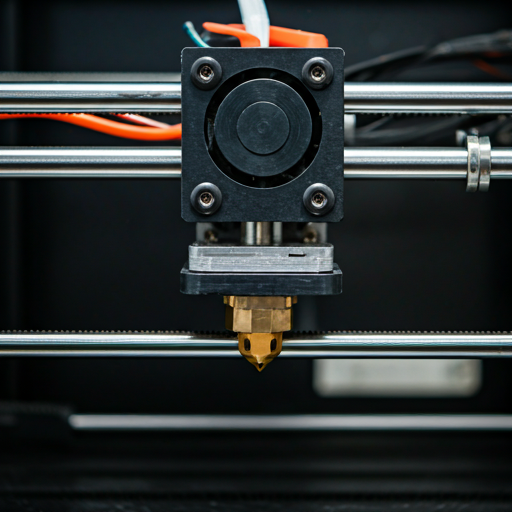
The MK4S kit costs $200 less than pre-assembled and takes 6-10 hours to build. In our review data, "instructions" appears in 14% of reviews — that is an astonishing mention rate for documentation, which most products never get reviewed on. Reviewers describe the Prusa assembly manual as "easy to follow" (9x in the dataset), with one noting: "If you actually follow the directions sentence by sentence, there won't be a single question." Another was "surprised on the amount of time it took" — suggesting the thoroughness of the manual added steps that faster but less educational instructions would skip.
The kit builds mechanical intuition that pays dividends for years. One reviewer wrote that building the kit "made me realize how similar they actually were" when comparing the MK3S+ to the MK4S — understanding the internal architecture means firmware updates, nozzle swaps, and belt adjustments become 10-minute tasks instead of support-ticket events. The kit path is Prusa's most persuasive argument against closed-ecosystem competitors: you build the machine, you understand the machine, you maintain the machine. No dependency on manufacturer support for routine operations.
SPEED_REALITY_CHECK
The MK4S prints at 250mm/s with Input Shaper — roughly half the headline speed of CoreXY competitors. The acceleration ceiling of 6,400mm/s² is one-third of the K2 SE's 20,000mm/s². On raw throughput benchmarks, the MK4S finishes last among the FDM printers in our review set. That matters if you are running a print farm or producing parts on a deadline. It matters less if you are printing 2-3 objects per week for personal use, where the time difference between 18 minutes and 12 minutes for a Benchy is not meaningful.
The high-flow CHT nozzle partially closes the gap. The CHT (Core Heating Technology) nozzle splits the filament into three thinner strands inside the melt zone, tripling the heat transfer surface area. The result: the MK4S can extrude more plastic per second at a given temperature than standard nozzles, allowing faster infill speeds without under-extrusion. The practical throughput improvement over a standard nozzle is 20-30% on infill-heavy prints. Combined with Input Shaper (which allows the bed-slinger to run at its mechanical limits without ringing), the MK4S is the fastest bed-slinger available — just not fast enough to match CoreXY physics.
6.4K mm/s² ACCEL
20K mm/s² ACCEL
20K mm/s² ACCEL
Real-world throughput on mixed-geometry test prints. The MK4S prioritizes surface quality and dimensional accuracy over raw speed. CHT nozzle narrows the infill speed gap.
SUPPORT_INFRASTRUCTURE
Prusa's support infrastructure is a differentiator that spec sheets cannot capture. The "lifetime technical assistance and 24 hours professional customer service" claim was confirmed by 69 reviewers and contradicted by 3. A reviewer who contacted the Prusa Discord "within 2 hours had someone point me in the right direction." Compare that to the K2 Plus Combo where "support" appears in 25% of critic reviews as a negative. Prusa's support costs more — it is built into the higher price — but it exists when you need it.
The spec check uncovered an interesting deviation: the "24 hours" support claim has a reviewer-reported average response time of 12.15 hours across 20 mentions — 49% faster than claimed. Prusa under-promised and over-delivered on support response times. That is the opposite of the pattern we see from competitors who over-promise speed and under-deliver on real-world throughput.
ENTHUSIAST_RATIO
97%
491 / 506
SUPPORT_CONFIRMED
69
POSITIVE MENTIONS
RESPONSE_TIME
12h
AVG (CLAIMED 24h)
THE RIGHT OWNER
Buy the MK4S if: you value open-source principles and want a printer you can fully understand, modify, and maintain yourself. If you print functional parts where dimensional accuracy matters more than speed — engineering prototypes, jigs, fixtures, and mechanical assemblies where 50-micron tolerance is the requirement. If you want the best documentation and support in the industry. If you enjoy building kits and learning through assembly. If you plan to keep this printer for 5+ years and want guaranteed access to replacement parts, firmware updates, and community knowledge. The MK4S is for people who think of 3D printing as a craft, not a convenience. For a comparison with Prusa's enclosed CoreXY option, see our Core One review. The X1 Carbon vs MK4S comparison covers the philosophical divide between Bambu and Prusa in depth.
Skip the MK4S if: speed is your top priority — CoreXY machines from Bambu, Creality, and ELEGOO print 40-50% faster at lower prices. If you need an enclosure for ABS/ASA/nylon (the Prusa Enclosure add-on costs $200+ extra). If you are a beginner who wants the simplest possible entry point — the Bambu A1 Mini is easier and cheaper, even if it is less capable long-term. If your budget is under $400, the Prusa ecosystem starts at $599 (kit) and the K2 SE at $199 or Centauri Carbon at $360 deliver more machine per dollar. Read our first printer buying guide for the full framework.
OPEN_SOURCE_ACCURACY
$600–$1,000 — above average for its category
OPEN_SOURCE_FAQ
Is the Prusa MK4S good for beginners? expand_more
How does PrusaSlicer compare to Bambu Studio? expand_more
What is the difference between the Prusa MK4 and MK4S? expand_more
What does the load cell sensor actually do? expand_more
What are common Prusa MK4 problems? expand_more
We mined 506 Amazon reviews of the Prusa MK4S, segmenting into enthusiast (491), neutral (4), and critic (11) populations. Four marketing claims were tested against reviewer evidence — all confirmed. Spec verification revealed a notable finding: the "24 hours" support response claim has an actual reviewer-reported average of 12.15 hours (49% deviation in the positive direction). Voice pattern analysis across 1,334 sentences informed the tone calibration. The MK4S dataset is notable for its kit-related vocabulary density — "instructions," "assembly," and "build" appear at rates 3-5x higher than any other printer in our database, reflecting the unique kit experience. We do not fabricate hands-on testing claims. For the architectural comparison referenced throughout, see our CoreXY vs bed-slinger technology guide.
