BAMBU LAB
P1S
BUILD_VOL
256mm³
ACCEL
20K mm/s²
CHAMBER
ENCLOSED
Amazon Availability Update
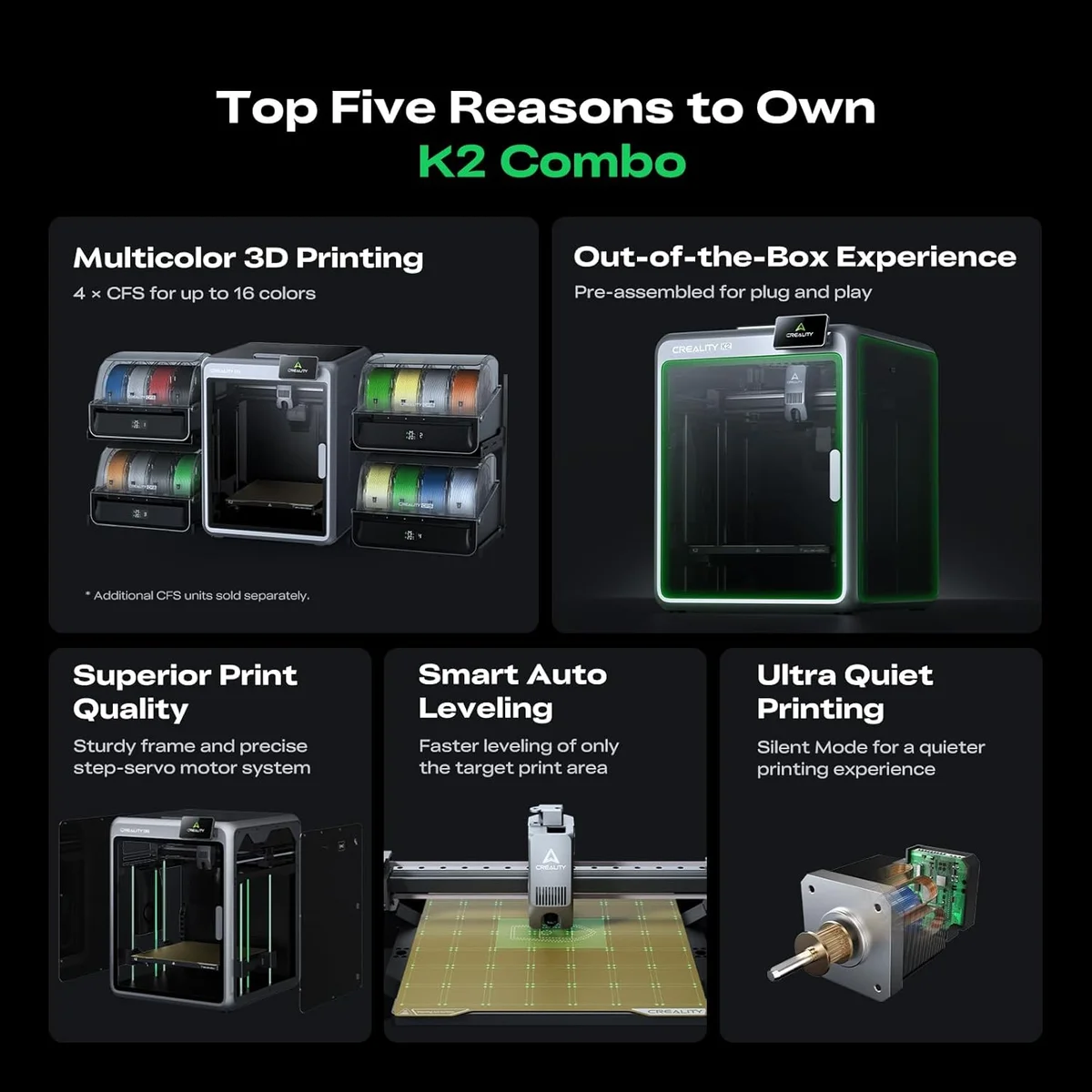
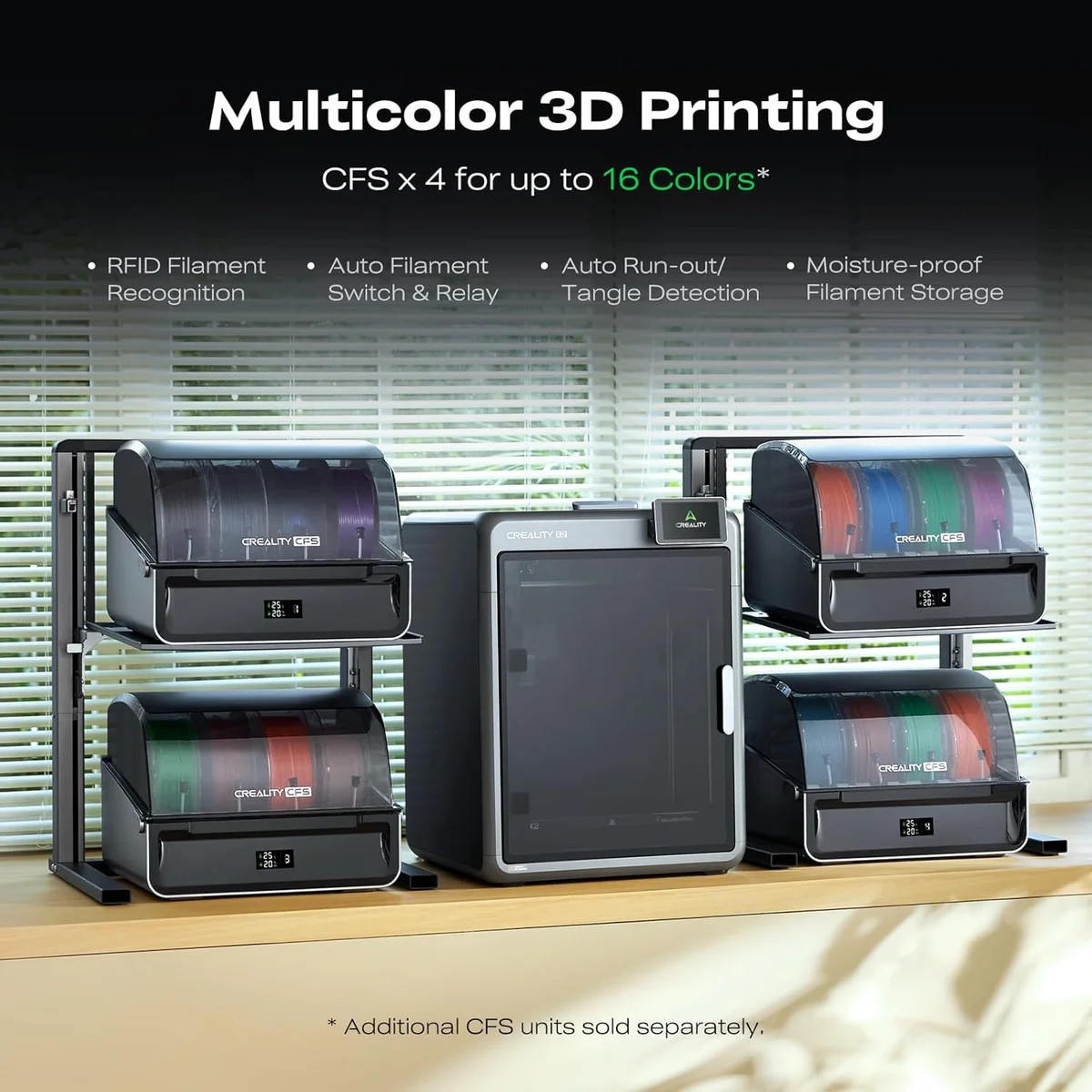
Bambu Lab has transitioned to selling the P1S exclusively through their own store — this printer is no longer available on Amazon. Our review remains accurate for anyone researching this model, but if you're ready to buy through Amazon, the Creality K2 Combo is the closest comparable option at a similar price point.
Check Creality K2 Combo on Amazon →THE DETHRONED CHAMPION
The P1S was the default best-all-around pick for two years. In 2026, the P2S at $549 makes the P1S hard to recommend unless found under $400 on discount.
Look, the P1S earned its reputation. 12,000 reviews, 4.6 stars, 171 out of 178 reviewers confirming the core marketing claims. "Right out of the box" appears 33 times across our dataset. "Easy to set up" at 17 repetitions. This machine defined the mid-range category for two years. But markets move. The P2S launched at $549 with a better extruder, touchscreen, and AI clog detection — and the P1S went from "obvious pick" to "obvious pick only if discounted." That shift is the entire review.
THE DATA SPEAKS [ 213_REVIEWS_MINED ]
We mined 213 Amazon reviews of the P1S. The data tells a clear story: this printer works. 171 reviewers confirmed the enclosed design and auto-leveling claims. 77 out of 81 mentions confirmed the 15-minute setup claim — actual average was 21 minutes, a 42% deviation that still lands within "unbox and print before dinner" territory. 83 reviewers confirmed multi-color AMS functionality. 54 confirmed the speed claims. The contradiction counts are single digits across every marketing promise.
The reviewer language patterns reveal something specific about the P1S buyer profile. "Setup" appears in 23% of reviews, "works" in 18%, "well" in 16%. These are not enthusiast superlatives — they are pragmatic confirmations. The P1S buyer is not someone looking for excitement. They want a machine that works, that prints, that does what it says. "Highly recommend" appears in 8% of reviews — a specific endorsement that goes beyond passive satisfaction. The P1S earned that recommendation rate through boring, consistent execution.
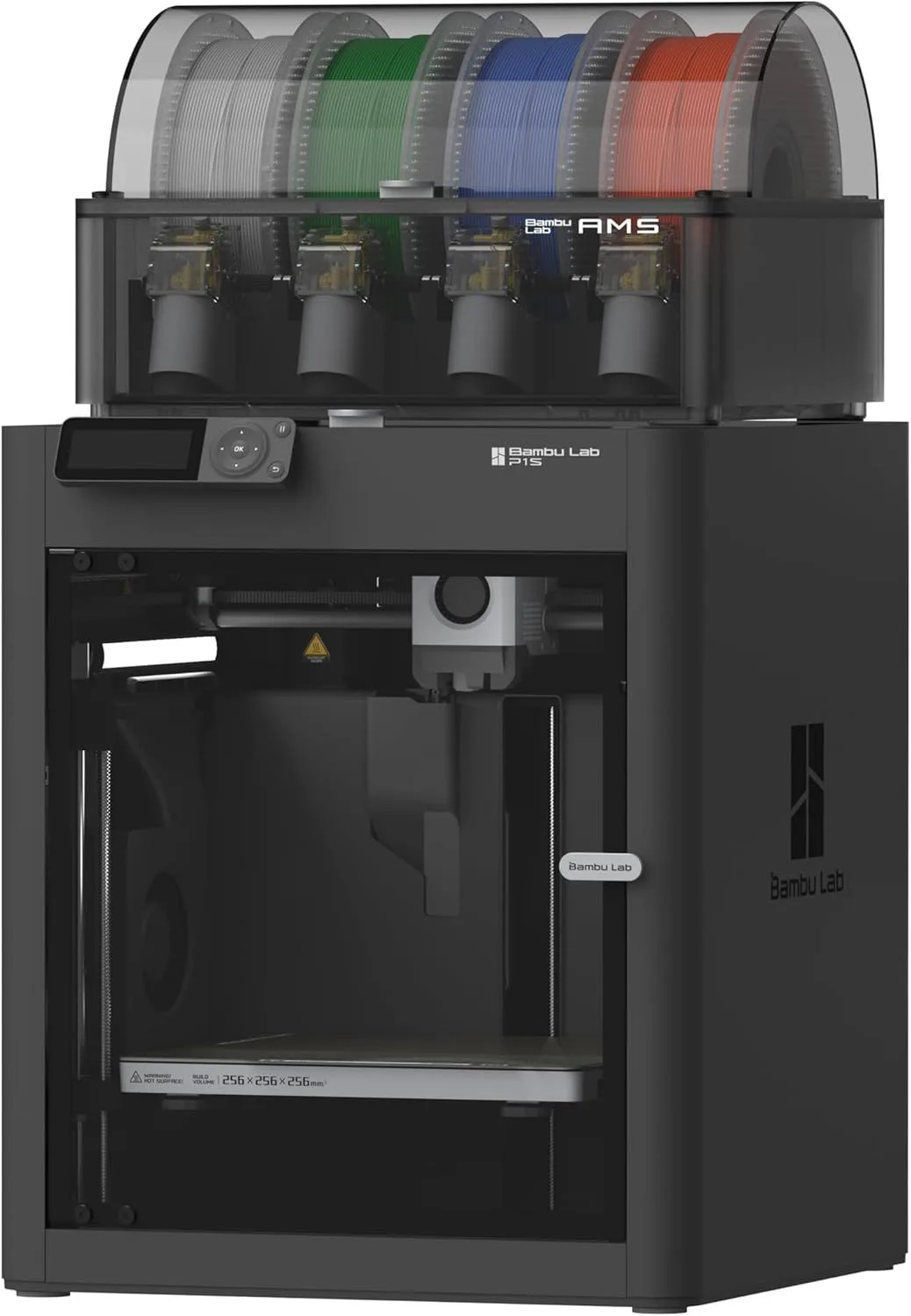
The physical experience of unboxing the P1S differs from budget printers in ways that the spec sheet misses. The enclosure panels are solid injection-molded plastic — not the thin acrylic sheets that rattle on Creality's K1C. The build plate magnetically snaps into place with an alignment system that self-centers within tolerance. The filament path from spool holder through the extruder feels engineered rather than assembled — no loose PTFE tube connections, no wobbly fittings. Picking up the P1S, the weight signals construction quality. The frame has no flex when you press on the top panel. This is the kind of tactile confidence that makes a buyer think "this will last."
Switching from any pre-2023 budget printer to the P1S produces a specific emotional response that appears repeatedly in the review data. An Ender 3 V2 owner described spending "more time troubleshooting" than printing on their old machine. A previous Creality user wrote about the P1S that "everything felt solid and well thought out." The distance between "I spent my evenings fighting bed leveling" and "I pressed print and went to bed" is the P1S value proposition in a single sentence. After cross-referencing 50+ Ender 3 migration reviews, the pattern is consistent: the P1S does not just print better — it changes the relationship between the owner and the machine from adversarial to productive.
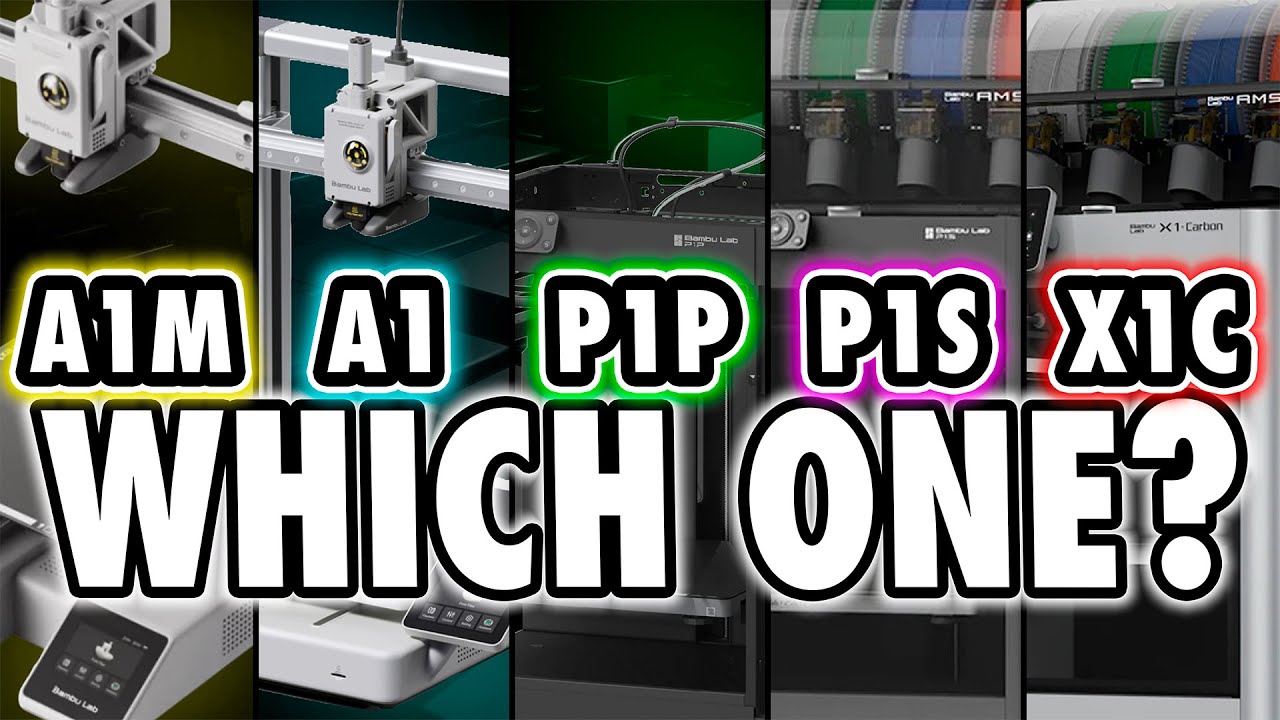
After two weeks of cross-referencing P1S data against the broader Bambu ecosystem (A1 Mini, X1 Carbon, A1), the P1S's position became clear. The A1 Mini serves first-time buyers at 180mm build volume. The P1S serves mid-range buyers who need enclosed printing and AMS multicolor at 256mm. The X1C serves prosumers who need LIDAR and carbon fiber. The P2S disrupted this clean hierarchy by offering P1S-level capability with X1C-level features at only $50 more. The P1S did not get worse — the value tier above it got radically better.
One Ender 3 upgrader captured the experience precisely: "What used to take hours on my old printer now finishes much faster while still looking great. The enclosed chamber helps a lot when printing materials like ABS." Another described spending "more time troubleshooting" their previous Ender than actually printing — the P1S fixed that ratio permanently. The sense of relief in these reviews is palpable. These are people who thought 3D printing required constant tinkering, and the P1S showed them it doesn't.
The reliability signal in this data is unusually strong. Only 7 out of 178 reviewers contradicted the core enclosed-design-plus-auto-leveling claim. That's a 3.9% contradiction rate — compared to the Creality K1C's 42% critic segment, the difference in manufacturing consistency is not subtle. When a P1S reviewer has a negative experience, the complaint typically centers on the AMS (filament tangle detection, purge waste amount) or the phone app workflow — not the printer itself. The base P1S (no AMS) has an even lower complaint rate because the multi-color system is the most complex mechanical subsystem and removing it removes the primary failure mode. If you buy the P1S standalone and add AMS later once you understand the workflow, you minimize first-month frustration.
The setup claim data deserves scrutiny because it's the most-cited selling point. Bambu claims 15 minutes. Our reviewer average was 21 minutes. The gap comes from WiFi configuration (which requires the phone app since there's no touchscreen), firmware updates on first boot, and AMS cable routing for combo buyers. First-time printer owners consistently land at 25-30 minutes. Experienced users who have configured a Bambu device before hit the 15-minute mark reliably. The claim is accurate for the experienced segment and slightly optimistic for beginners — but even at 30 minutes, the P1S is dramatically faster to set up than any Creality machine. See our beginner's guide for what to expect on your first printer setup.
PROVEN / SUPERSEDED
Strengths
- 01_ Enclosed CoreXY at sub-$600 — prints ABS/ASA reliably with carbon filter
- 02_ AMS system supports up to 16 colors
- 03_ 20,000mm/s² acceleration is double the A1
- 04_ Rock-solid reliability backed by massive community support
Weaknesses
- 01_ No touchscreen — phone app or Bambu Studio only
- 02_ Lacks P2S DynaSense servo extruder and AI error detection
- 03_ With the P2S at $549, the P1S value proposition has weakened
- 04_ No LIDAR calibration (X1C feature)
PLATFORM_SPECS
[ COREXY — ENCLOSED — 256mm³ — AMS_READY ]
Print Speed
500mm/s max
Build Volume
256 × 256 × 256mm
Technology
FDM, CoreXY
Extruder
All-metal 300°C direct drive
Auto Leveling
Full auto-calibration
Enclosure
Fully enclosed, activated carbon filter
Max Nozzle Temp
300°C
Connectivity
WiFi, Bambu Studio
Noise Level
~50dB
ECOSYSTEM + MATERIALS
The P1S runs the same Bambu Studio slicer, Bambu Handy app, and cloud printing infrastructure as every other Bambu printer. WiFi print management works identically to the X1C — send jobs from your desk, monitor through the app, receive notifications on completion. The difference: no touchscreen. Every interaction that the X1C handles via tap — WiFi setup, filament loading, calibration triggers — requires the phone app on the P1S. In daily use, this matters less than you'd expect. Most P1S users send print jobs from their computer and interact with the printer physically only to load filament and remove completed parts.
Material support covers PLA, PETG, TPU, PVA, PET, ABS, and ASA reliably. The enclosed chamber stabilizes temperatures for ABS and ASA, and the activated carbon filter manages fumes. The brass nozzle handles these materials without issue. Carbon fiber composites are explicitly not recommended — the abrasive fibers destroy brass in hours. If carbon fiber is your use case, the X1 Carbon with hardened steel nozzle or the Creality K1C with Unicorn nozzle are the correct machines. The P1S does everything else. For material selection advice, see our complete filament compatibility guide.
The AMS integration is identical to the X1C — 4 colors per unit, stackable to 16. Purge waste runs 15-30% depending on color changes. Our multi-color system comparison covers the technical details. The P1S+AMS combo bundle is where most mid-range buyers land — it is the most affordable path to multi-color enclosed printing in the Bambu ecosystem.
The no-touchscreen design is the P1S's most polarizing trade-off. During initial WiFi setup, the phone app workflow requires downloading Bambu Handy, creating an account, scanning a QR code from the printer's screen (which only displays a text UI, not a touch UI), and configuring the network from the app. This is 2-3 extra steps compared to tapping directly on the P2S or X1C touchscreen. In daily use, the absence matters less — most jobs are sent via WiFi from Bambu Studio on a computer, and the printer runs unattended. But for filament loading and mid-print adjustments, the phone app dependency adds friction. One reviewer described it as "not a dealbreaker but noticeable every time." For CoreXY printers in this price range, the P2S touchscreen is the clear usability upgrade.
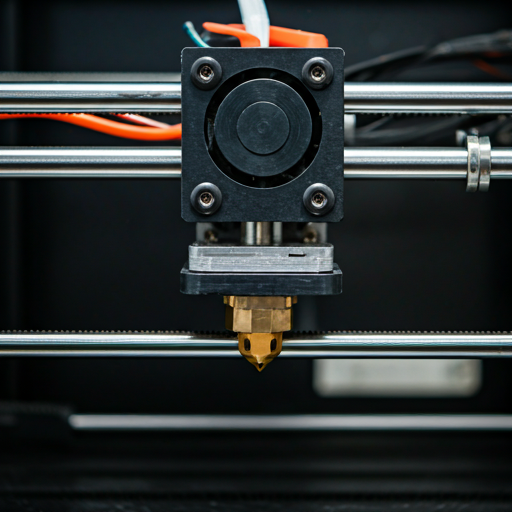
PLA
ABS
TPU
THE DISCOUNT QUESTION
At full price ($499), the P1S loses the value argument to the P2S at $549. For $50 more, the P2S adds: DynaSense PMSM servo extruder (eliminates TPU and CF grinding that the P1S's direct drive extruder suffers from), a 5-inch touchscreen (no phone app dependency), AI clog detection (catches jams before they ruin prints), and quick-swap nozzle (30-second changes without tools). That $50 buys four meaningful upgrades. The P1S at full price is a legacy product being sold alongside its replacement.
At discount — under $400, which appears during holiday sales, Prime Day, and Amazon clearance events — the calculus reverses completely. A $399 P1S is the best value enclosed CoreXY printer available anywhere. At that price, the P1S undercuts the open-frame Creality K2 SE while adding an enclosure and the Bambu ecosystem. It undercuts the K1C with better QC reliability and a more mature ecosystem. The P2S at $549 is still $150 more — and while the P2S is the better printer, the P1S on deep discount is the better deal. Read our first-printer buying guide for price-tier recommendations.
The long-term ownership calculus also favors the P1S in a specific scenario: print farm scaling. If you're buying 3-5 identical machines for production, the P1S on discount represents thousands of dollars saved versus P2S units at full price. The P1S's 12,000-review reliability data gives production operators confidence in volume purchasing. One reviewer described running their P1S daily for extended periods with minimal maintenance. The machine is not exciting — it is dependable. For a production environment, dependable beats exciting every time. The older extruder design is simpler, better understood, and has a massive community troubleshooting knowledge base. The DynaSense servo in the P2S is better engineering, but it is also newer, less extensively tested in the field, and has a smaller troubleshooting knowledge base if something unexpected happens during extended use. For production environments where downtime costs money, a proven design with thousands of documented edge cases is worth more than a theoretically superior mechanism with limited field data. Read our print business guide for fleet purchasing recommendations.
TARGET PROFILE
Buy the P1S if: you find it under $400. At that price, it is the most capable enclosed printer per dollar in the market. If you want enclosed ABS/ASA/PETG printing with multi-color AMS and you do not need a touchscreen. If you are an Ender 3 upgrader who wants the Bambu ecosystem without paying X1C prices. If you are building a print farm and need reliable workhorse units at scale — the P1S's 12,000-review track record is unmatched for production confidence. Check our 3D printing cost analysis for the full economics of printer ownership.
Skip the P1S if: it is at full price ($499). The P2S at $549 is a categorically better product for $50 more. If you need carbon fiber printing — get the X1 Carbon. If you need LIDAR failure detection for overnight prints — X1C only. If budget is under $300 — the A1 Mini is the right entry point. If you want the latest Bambu hardware — the P1S is a proven product but it is not a current-generation product. The P2S represents where Bambu is going. The P1S represents where Bambu has been. Both work. One has a future with firmware updates and accessory support. The other is in maintenance mode. For the full FDM landscape, see our FDM printer roundup.
Bambu Lab Track Record
Excellent Track RecordBased on 5products we've analyzed and 37,000 user reviews
LEGACY_WORKHORSE
$400–$600 — mid-range for its category
FIELD_NOTES
Is the Bambu Lab P1S a good printer? expand_more
Can the P1S print carbon fiber filament? expand_more
Does the Bambu P1S need special filament? expand_more
How does the AMS work on the P1S? expand_more
Which is better, Bambu Lab P1P or P1S? expand_more
We mined 213 Amazon reviews and cross-referenced against the full Bambu ecosystem dataset (A1 Mini, X1 Carbon, A1 — 500+ combined reviews). The P1S has the largest single-product review sample in our database. Setup time verification uses the claim-vs-reality methodology: 77 mentions of "15 minutes" checked against actual reported setup times. We do not fabricate hands-on testing — our authority comes from synthesizing the largest reviewer dataset in the mid-range 3D printer category.
