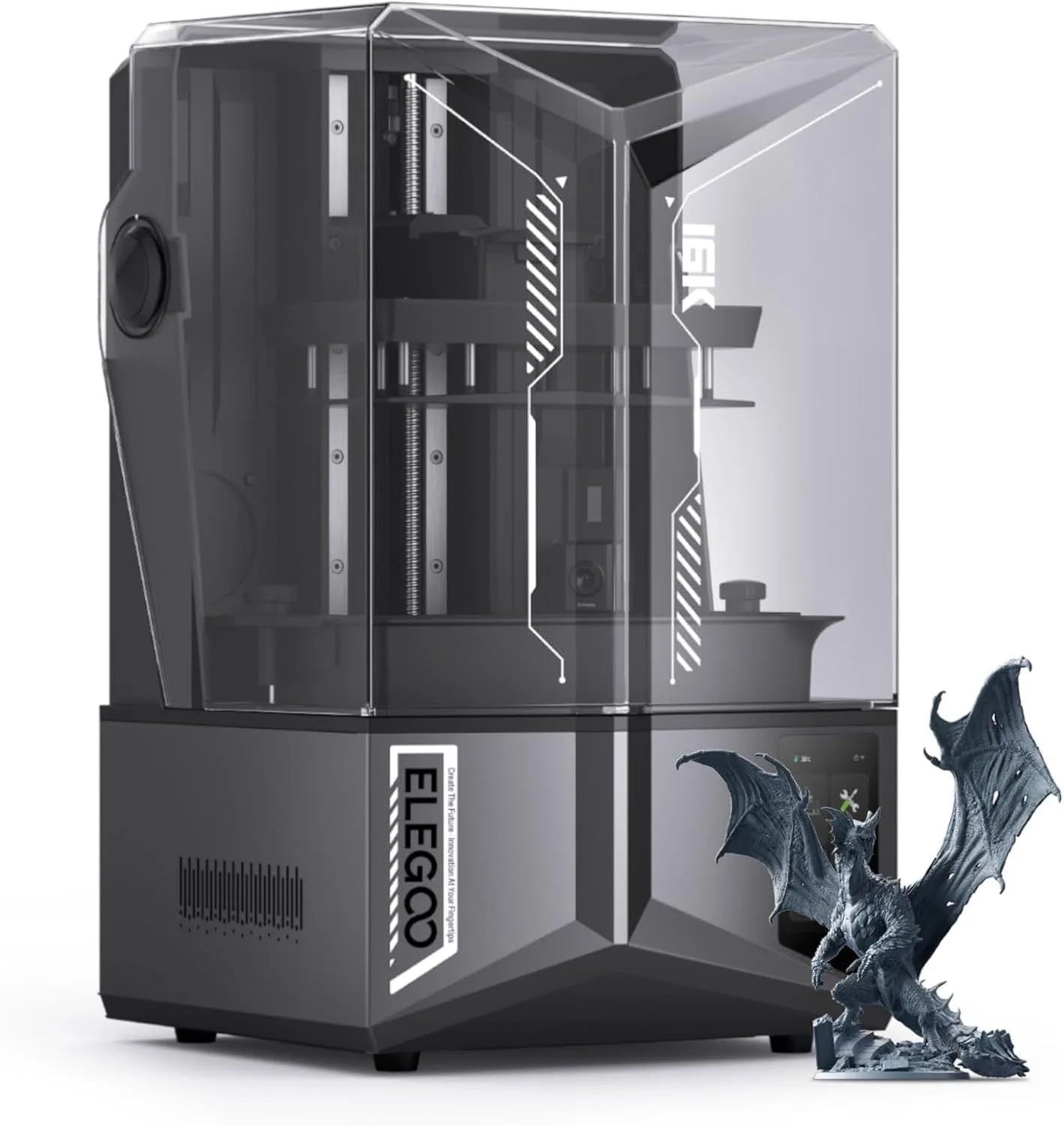
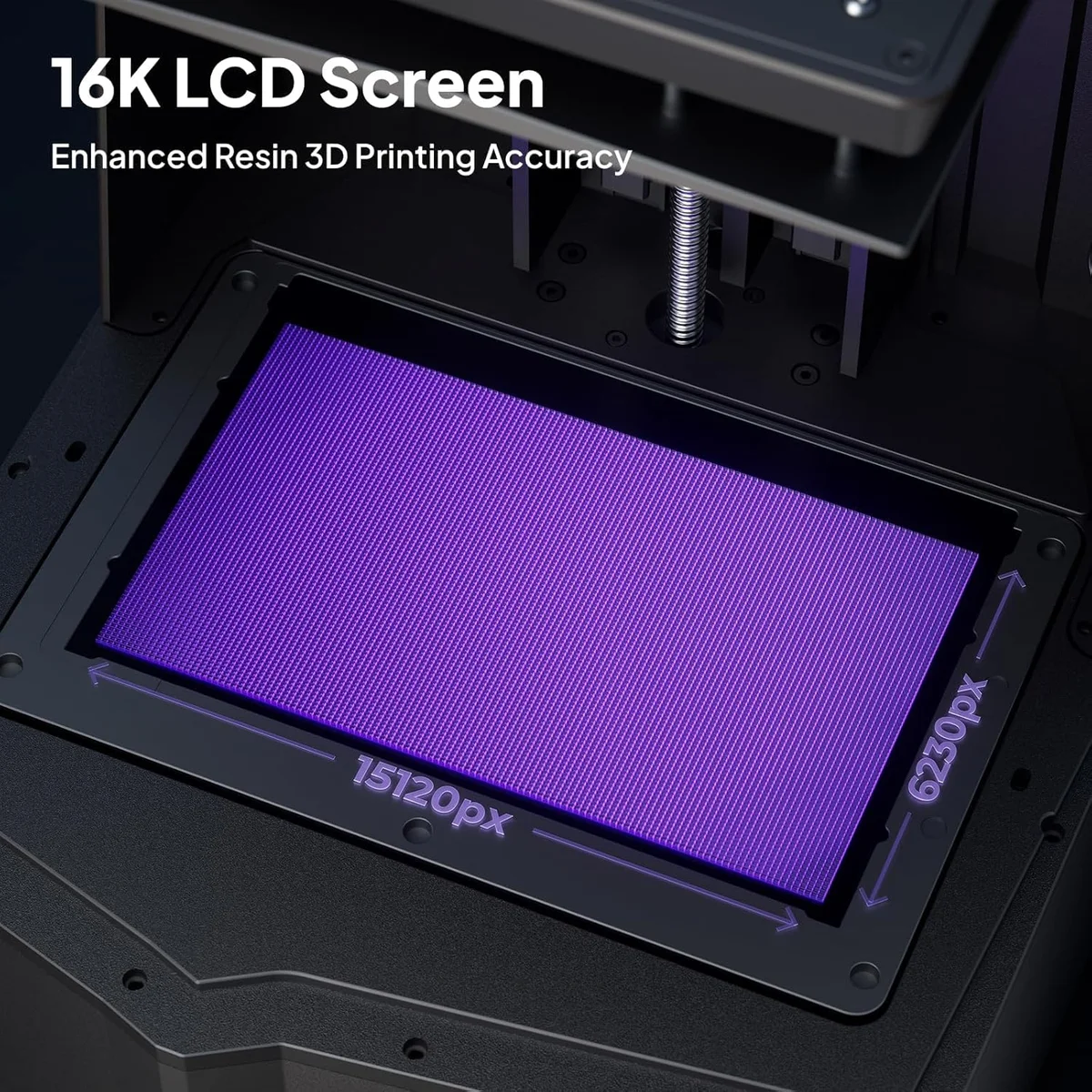
Resin printing is the right tool for a specific job. Miniature painters, jewelry designers, dental technicians, and anyone who needs sub-100-micron detail uses resin because nothing else achieves that resolution at consumer prices. The Elegoo Saturn 4 Ultra prints at 22-micron XY resolution on its 16K screen — detail levels where you can see individual scales on a dragon miniature at 28mm scale.
But every advantage comes with an operational cost that FDM printing does not have. Resin requires post-processing (wash + cure) for every single print. Resin expires on the shelf (six to twelve months typical). Uncured resin is hazardous waste. And the print volume is smaller — most consumer resin printers max out at a build plate around 200x120mm, versus 250x250mm+ on FDM machines. For the full technology comparison, see our FDM vs Resin guide.
But don't let that scare you off.
None of this means "don't buy a resin printer." It means: know what you are buying into. The makers who love resin printing are the ones who expected the overhead and planned for it. The makers who hate it are the ones who expected FDM-like convenience and got a chemistry lab instead.
Environmental impact is another factor that rarely gets discussed in resin printer reviews. Liquid resin cannot be poured down drains — it is toxic to aquatic life and must be UV-cured into a solid before disposal. The IPA wash solution saturates with dissolved resin over time and also requires responsible disposal (evaporate the IPA, cure the residue, dispose as solid waste). FDM filament waste is simply recycled PLA or thrown away as inert plastic. The environmental burden of resin printing is measurably higher per print. For hobbyists printing one or two objects per month, the impact is minimal. For high-volume users running overnight batches, it accumulates and requires a waste management plan.