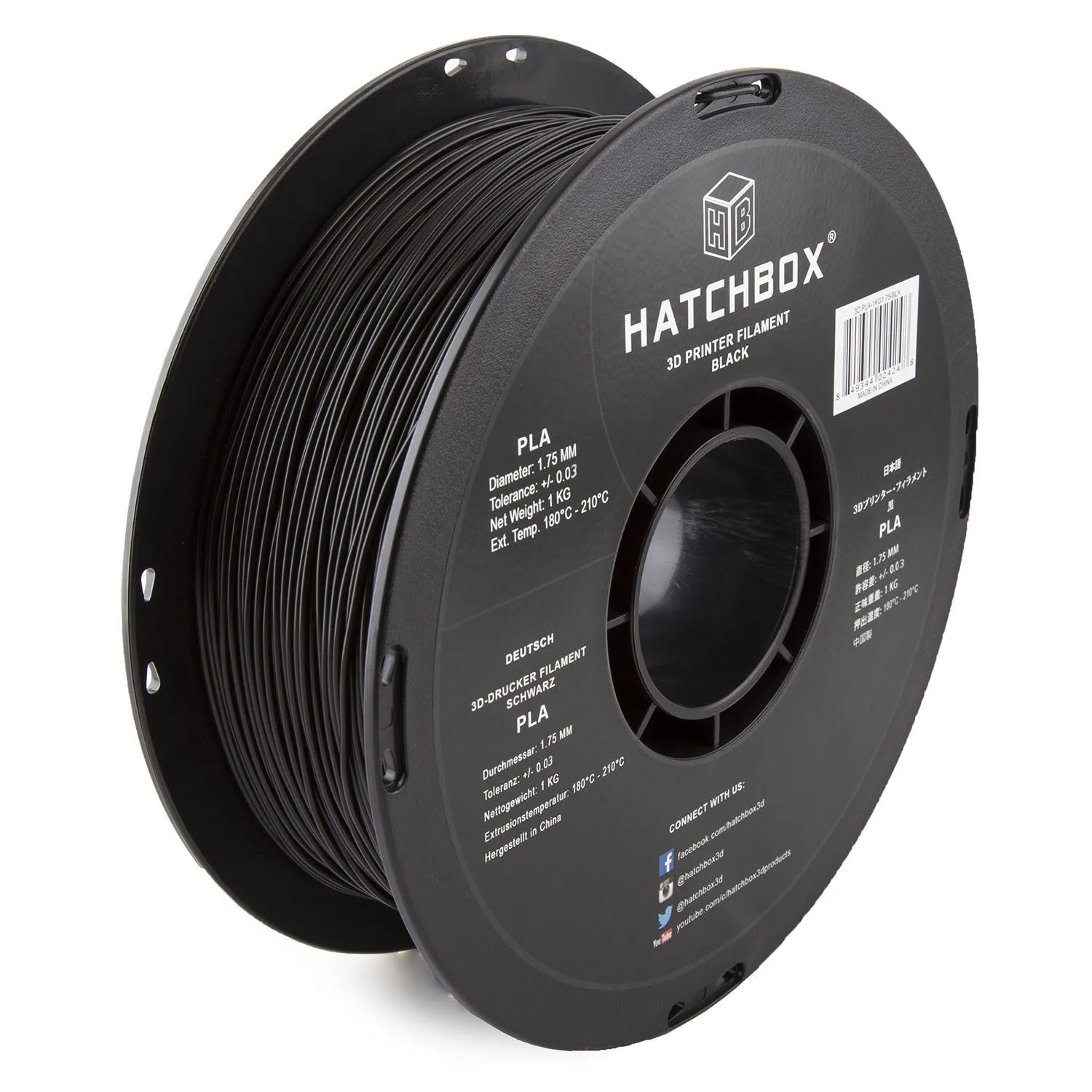
Use standard PLA when: printing display models, figurines, architectural prototypes, lithophanes, name tags, or any object where surface finish and detail matter more than mechanical strength. Standard PLA produces the glossiest surface and sharpest detail of any FDM material. It also prints at lower temperatures with less stringing — ideal for multi-color work where color transitions need to be clean.
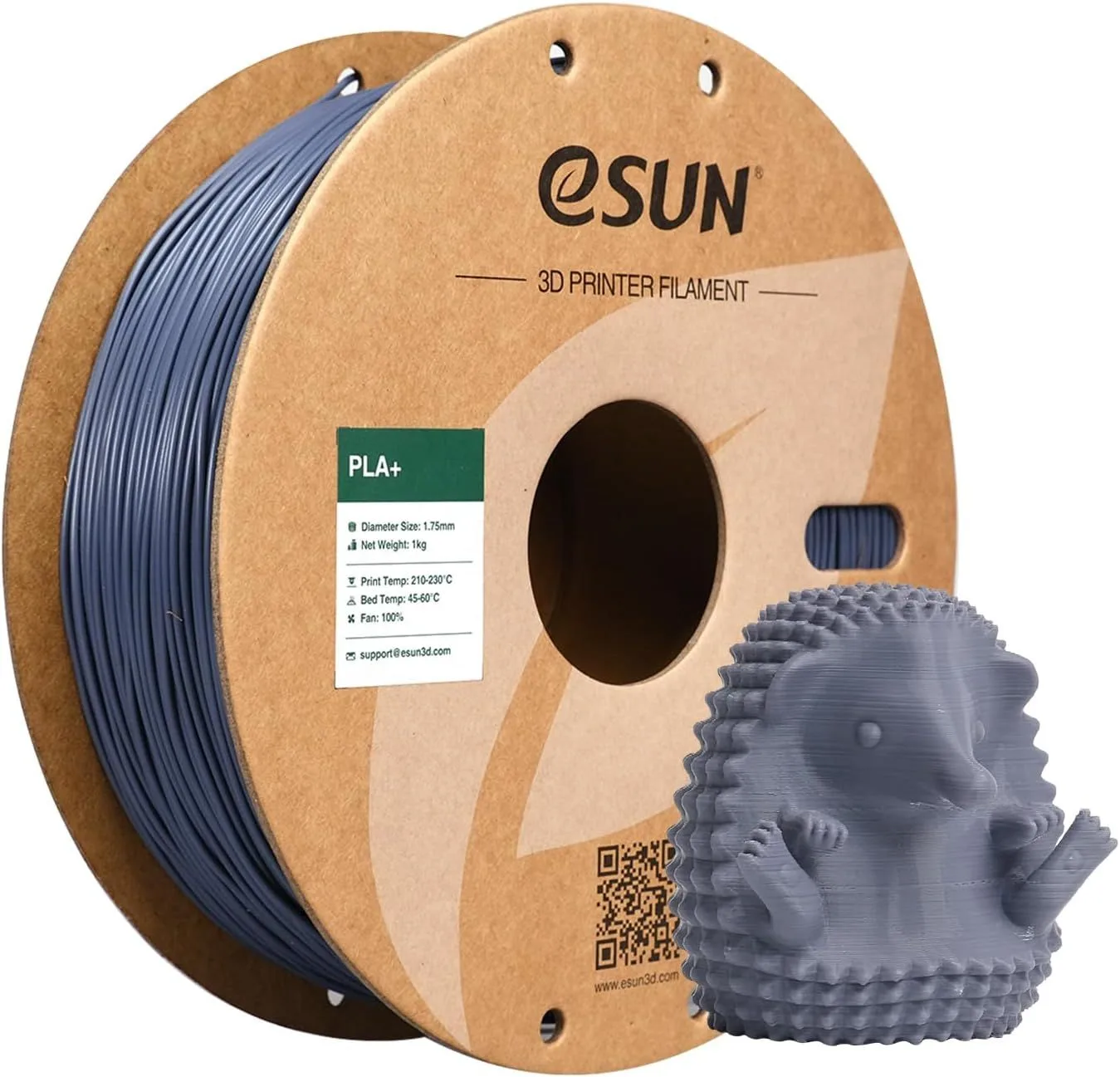
Use PLA+ when: printing phone cases, tool holders, shelf brackets, mechanical parts, snap-fit enclosures, hinges, clips, or anything that will be handled, dropped, or stressed repeatedly. The thirty to forty percent improvement in impact resistance means the difference between a bracket that survives a fall off a workbench and one that shatters into pieces. For our tested PLA+ picks, see the eSUN PLA+ review and our Hatchbox PLA vs eSUN PLA+ comparison.
Use PETG instead when: heat resistance above 60°C matters, the part goes outdoors, or chemical exposure is a concern. PLA+ does not close the gap between PLA and PETG — it sits slightly above PLA in toughness while remaining in the same thermal and UV vulnerability class. Our full filament comparison guide covers the complete material hierarchy.
A common mistake: using PLA+ for everything. The extra toughness comes with a cost — the surface finish is slightly less glossy, detail reproduction is marginally softer at fine feature sizes, and the material strings more. For a figurine or architectural model where visual quality is everything, standard PLA produces a better-looking result. Reserve PLA+ for parts that actually experience mechanical stress. If you would not care if the part broke because it is purely decorative, standard PLA is the right choice.
Cost difference is small but accumulates. PLA+ typically runs ten to twenty percent more per kilogram than standard PLA from the same brand. For hobbyists printing a few kilograms per month, the difference is a few dollars. For print farms producing hundreds of parts, the cost adds up and standard PLA may be the better value for non-structural components. Keep both types on hand and select per project rather than defaulting to one type for everything. Stock one neutral color (white or gray) in each type as your go-to testing material.
Color selection is broader in standard PLA. Brands offer twenty to thirty colors in their PLA lines versus eight to fifteen in PLA+. If color matching matters for your project — a specific shade for a cosplay prop or a corporate color for branded parts — you are more likely to find the exact shade in the standard PLA catalog.