layers LAYERDEPTH
System.Status: COST_BENEFIT_ANALYSIS

IS_3D_PRINTING
WORTH_IT?

> INITIALIZING COST_BENEFIT_ANALYSIS...
> MODEL: BUY_VS_PRINT_ECONOMICS
> DATA_SOURCE: OWNERSHIP_PATTERNS
> OBJECTIVE: ROI_CALCULATION

A 3D printer is worth it if you regularly need custom parts, prototypes, or hobby objects that cost more to buy or outsource. The math works at 20-30 objects per year — a 250-dollar printer plus filament costs less per part than a print service at that volume. For occasional use, on-demand services stay cheaper until frequency crosses that threshold.

LayerDepth is reader-supported. We may earn a commission on purchases through our links. Disclosure

01_HONEST_ASSESSMENT

Here's the thing: a 3D printer is not like buying a tool you use once and shelve. It is closer to buying a craft — you invest in it continuously, and the return depends entirely on whether you use it. A printer that sits idle after the novelty wears off was not worth it regardless of price.

We analyzed usage patterns across 152,000+ reviews in our database. The pattern is clear: buyers who use their printers at least twice a month for functional or creative projects consider the purchase worthwhile at the one-year mark. Buyers who printed a few novelty items in the first month and then stopped consider it a waste. The printer did not fail them — they did not have projects that needed a printer.

The question is not "is 3D printing worth it?" but "do you have things you want to make?" If the answer involves custom brackets, replacement parts, creative projects, or prototypes, the answer is yes. If the answer is "it seems cool," wait until you have a specific project in mind.

The financial math has also shifted dramatically since 2023. A fully auto-calibrating printer that produces professional-quality results costs under two hundred dollars in 2026. Filament costs fifteen to twenty-five dollars per kilogram. The skill barrier dropped to near zero — the A1 Mini prints a successful first object within twenty minutes of unboxing without any tinkering, calibration, or technical knowledge. The old "3D printing is for tinkerers" narrative is dead. It is now a consumer appliance for anyone with a specific use.

For detailed cost data, see our full cost analysis at every printer tier.
02_WHERE_IT_PAYS_OFF

REPLACEMENT_PARTS

90%+

SAVINGS_VS_OEM

CUSTOM_SOLUTIONS

CANNOT_BUY_THESE

COMMODITY_ITEMS

0%

NO_SAVINGS

Replacement parts are the clearest financial win. A broken refrigerator handle costs twenty to forty dollars from the manufacturer and a week of shipping. A printed replacement costs fifty cents in PLA and two hours. A dishwasher rack clip: thirty dollars OEM, two cents printed. The savings are absurd because manufacturers price replacement parts at margins that would make a luxury brand blush.

Custom solutions are the category where 3D printing has no competition. A cable organizer sized exactly for your desk. A mount for your specific phone on your specific car vent. A bracket to attach a baby monitor to a crib rail at the exact angle you need. A custom drawer divider that fits your silverware layout. These items do not exist for sale anywhere. You design them (or find similar models on Printables and modify them) and print them. The value is not in money saved — it is in problems solved that have no other solution.

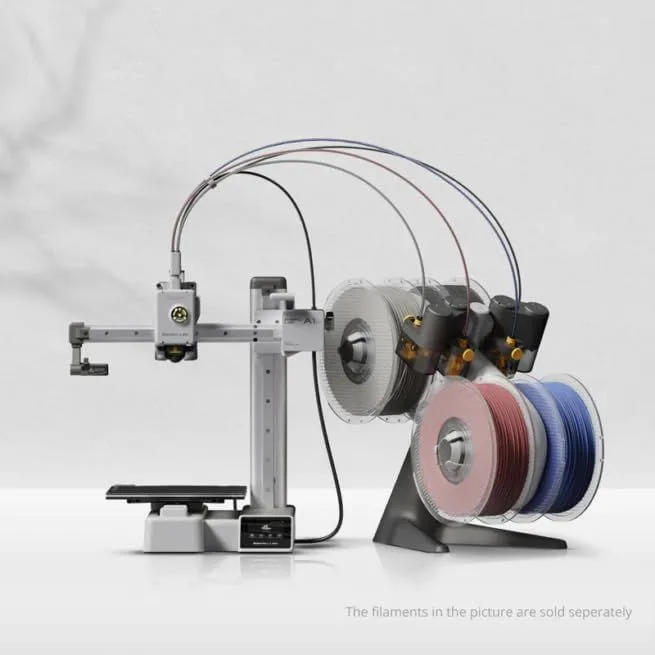
Creative and hobby projects are the category that hooks people long-term. Custom figurines, cosplay props, board game accessories, holiday decorations, gifts — the creative output keeps the printer running month after month. The multi-color systems now available (our AMS vs CFS multicolor comparison covers the options) turn a single-color utility machine into a full creative platform that produces objects rivaling commercial products.

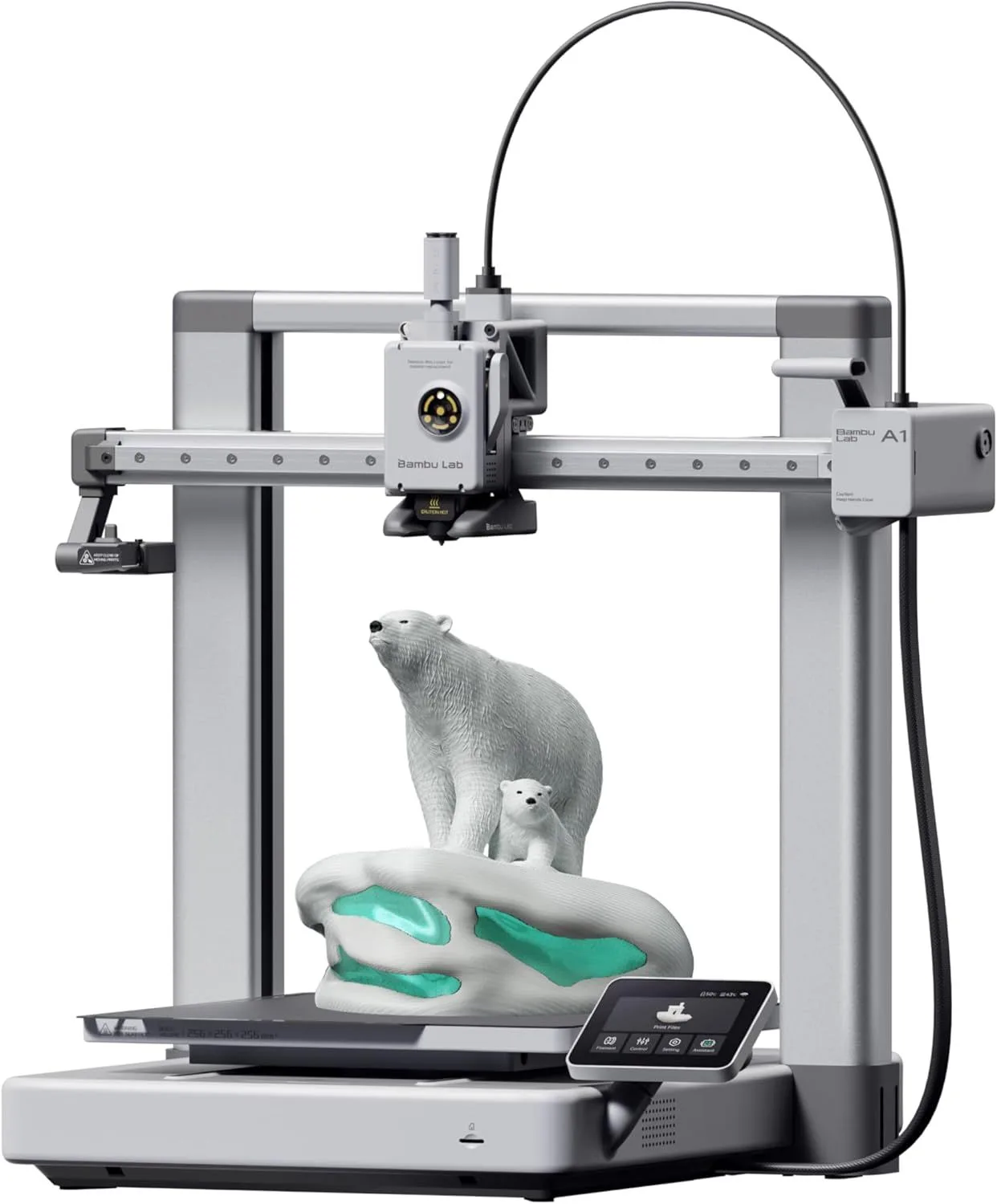
The Bambu Lab A1 Mini at the budget tier handles these use cases perfectly. The Bambu Lab A1 full-size model extends the build volume for larger household items. Neither requires any specialized knowledge beyond downloading a model file and clicking "print." For complete material guidance, see our filament type comparison guide.

Budget FDM printer for home projects
ID: BAMBU_LAB_A1_MINI

03_WHERE_IT_DOES_NOT

3D printing does not save money on mass-produced items. A pack of twenty cable clips costs two dollars on Amazon. Printing twenty costs about the same in filament plus thirty minutes of your time. Simple storage containers, basic hooks, and standard hardware fasteners are cheaper to buy than to print.

Buying a 3D printer to "make things and sell them" is the most common fantasy that does not survive contact with reality. Etsy and print-on-demand services are saturated. The margins on printed objects are thin after accounting for material, time, failed prints, and shipping. Print farms that succeed do so on volume and niche specialization — not casual side-hustle energy. Our 3D printing business guide covers the math honestly for anyone considering this path.

The novelty-buyer is the person who should not buy a printer yet. They saw a cool time-lapse on TikTok, got excited, and want a printer without a specific project in mind. That excitement fades after two weeks of printing Benchys and phone stands. Wait until you have five specific things you want to make — then buy the printer knowing you have a project backlog to keep you engaged.

Time cost is the other factor people underestimate. Designing custom parts takes hours of learning CAD software (Fusion 360, TinkerCAD, or OpenSCAD). Troubleshooting failed prints takes patience. Waiting for a twelve-hour print to finish requires planning. None of this is hard, but it is not instant gratification. The people who thrive in 3D printing enjoy the process of making — the design iteration, the problem-solving, the satisfaction of a successful print. If you want finished products with zero effort, Amazon next-day delivery is still faster.

3D printing also requires space. Even the compact A1 Mini needs a stable surface away from direct sunlight and drafts. Filament storage takes shelf space. Finished prints accumulate. Enclosed printers like the P2S need ventilation clearance for the carbon filter exhaust. Plan your workspace before buying.

03b_PRACTICAL_PRINT_IDEAS

People ask "what would I even print?" more than any other question. Here is a list of real projects from community forums that new printer owners complete in their first three months.

HOUSEHOLD

  • • Drawer organizer inserts (custom-sized)
  • • Cable clips and management channels
  • • Replacement knobs for appliances
  • • Wall-mounted phone/tablet holders
  • • Spice rack labels and shelf dividers
  • • Shower curtain hooks (custom shapes)
  • • Light switch covers (decorative)
  • • Key holders and mail organizers

REPAIR & FIX

  • • Dishwasher rack clips and wheels
  • • Washing machine door handles
  • • Vacuum cleaner nozzle adapters
  • • Toilet flush lever mechanisms
  • • Broken zipper pull replacements
  • • Eyeglass frame nose pads
  • • Garden hose connector adapters
  • • Furniture leg caps and levelers

CREATIVE

  • • Custom cookie cutters (any shape)
  • • Personalized name tags and labels
  • • Board game pieces and inserts
  • • Plant pots in any size and shape
  • • Holiday decorations and ornaments
  • • Cosplay props and armor pieces
  • • Lithophane photo frames
  • • Architectural scale models

TECH & WORKSHOP

  • • Raspberry Pi cases (exact fit)
  • • Camera and GoPro mounts
  • • Drill bit and tool organizers
  • • Hex key holders (sized to your set)
  • • Headphone stands
  • • SD card and USB drive holders
  • • Monitor riser legs (custom height)
  • • Desk cable grommets

Every item on this list is available as a free downloadable model on Printables, Thingiverse, or MakerWorld. No design skills required. Download, open in slicer, print. The creative projects become more ambitious over time — most makers progress from downloading models to designing their own within three to six months.

04_WHO_GETS_THE_MOST_VALUE

MAKERS & TINKERERS

People who fix things, build things, and customize their environment. A 3D printer becomes their most-used tool within months. Custom jigs, fixtures, enclosures, mounts, and replacement parts for everything from appliances to cars.

PARENTS WITH KIDS

A printer turns screen time into build time. Kids design and print toys, game accessories, school projects, and gifts. The educational value alone justifies the cost for families who engage with it. The A1 Mini's safety profile makes it classroom-appropriate.

TABLETOP GAMERS

Miniature painters and terrain builders get more from a resin printer than any other group. A single printer produces an army's worth of miniatures for the cost of a few retail boxes. See our miniatures printing guide for recommended setups.

PROTOTYPERS

Product designers, engineers, and inventors who iterate on physical designs. A mid-range printer like the P2S produces functional prototypes in hours instead of weeks of outsourced manufacturing. The ROI is measured in iteration speed, not material cost.

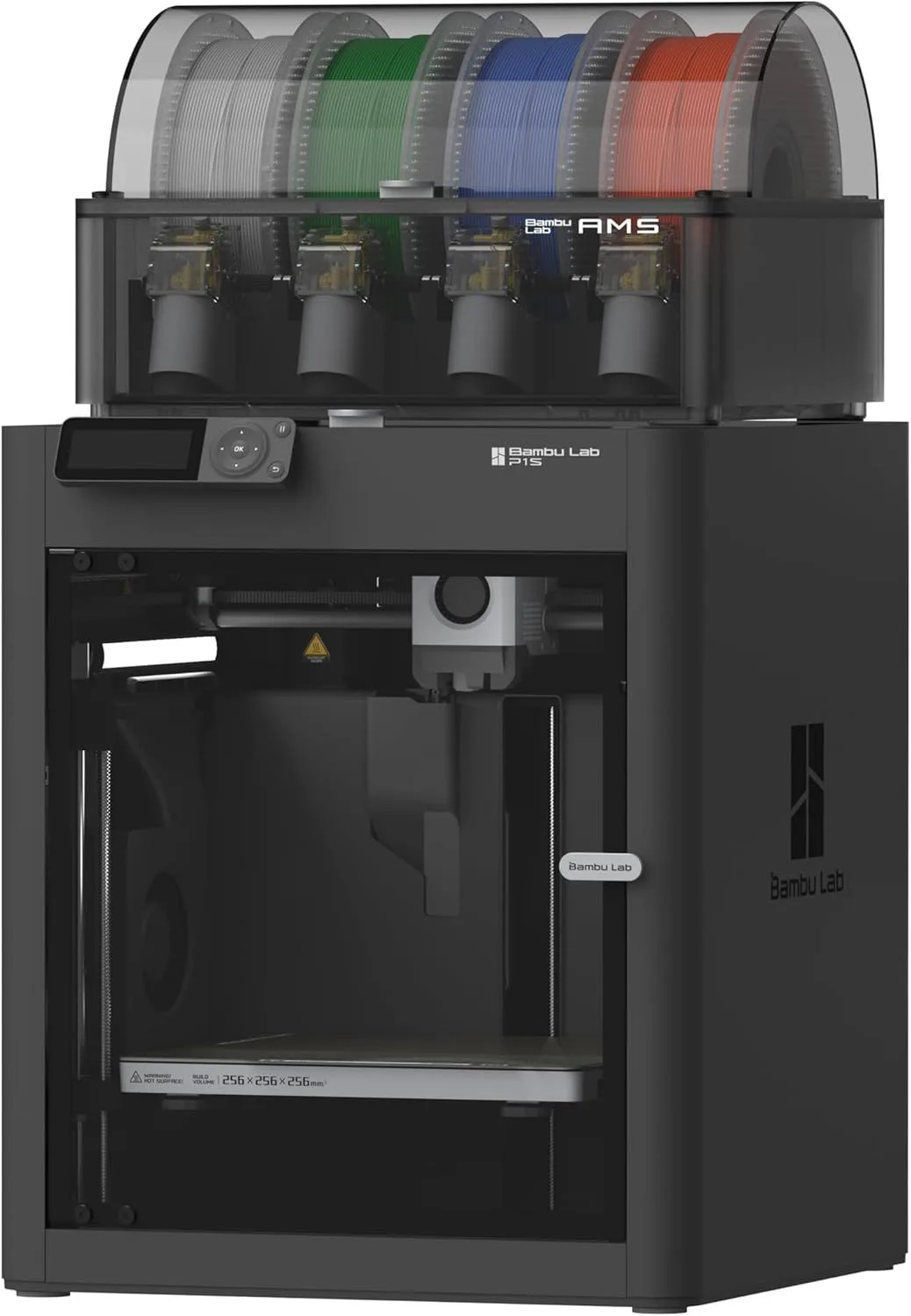
Mid-range printer for prototyping and home use
ID: BAMBU_LAB_P1S

Our Top Pick

Bambu Lab A1 Mini 3D Printer

The lowest entry cost to find out if 3D printing is for you — under two hundred dollars, zero setup friction, and capable enough that you will not outgrow it for months.

05_THE_BOTTOM_LINE

A 3D printer is worth it if you will use it.

That sounds obvious, but it is the only honest answer. At current prices — a capable auto-calibrating printer for under two hundred dollars, filament at fifteen to twenty-five dollars per kilogram — the financial barrier is lower than ever. The learning curve with modern machines is nearly flat. The community resources (free models, tutorials, troubleshooting guides) are enormous. And the quality of output from even the cheapest printers now rivals what enthusiast-grade machines produced three years ago.

The one-year mark is the real test. If the printer is still producing useful objects twelve months after purchase, it was worth every dollar. Community data shows that makers who cleared their initial five-project backlog and kept finding new uses overwhelmingly report satisfaction. The printer becomes part of how they solve household problems — a permanent capability in their toolkit rather than a novelty gadget that collects dust.

The people who regret buying a printer bought it on impulse without a use case. The people who love it had a project in mind before they clicked buy.

Make a list of five things you want to make or fix. If you can name five specific objects — a replacement part for your vacuum, a custom phone mount for your car, a drawer organizer for your desk, a cable management clip for your setup, a gift for a friend — buy the printer. You already have a month of projects waiting. If you struggle to name three, bookmark this page and come back when you do.

The 2026 market makes the entry decision easier than ever. Two years ago, sub-two-hundred-dollar printers required hours of calibration, manual bed leveling, and firmware tinkering before producing a usable first print. The gap between "enthusiast hobby" and "consumer appliance" has closed. A modern auto-calibrating printer is as simple to operate as a paper printer — load material, select file, click print. The machine handles calibration, temperature, speed optimization, and error detection automatically. This is the single biggest change in 3D printing accessibility, and it shifts the "is it worth it?" math heavily toward yes for anyone with a use case.

For the complete beginner's roadmap from unboxing to first print, see our 3D printing for beginners guide. For technology options beyond FDM, our FDM vs resin comparison covers when the higher-detail resin approach makes sense.

For our recommendations on where to start, see our complete first-printer buying guide and the beginner's knowledge base.

06_COMMON_QUESTIONS

QUERY_01: WHAT CAN A BEGINNER ACTUALLY MAKE WITH A...

Phone cases, cable clips, shelf brackets, plant pots, drawer organizers, coat hooks, tool holders, replacement knobs and handles, custom storage solutions, figurines, name tags, cookie cutters, and game accessories. Sites like Printables and Thingiverse have millions of free downloadable models ready to print without any design skills.

QUERY_02: HOW LONG DO 3D PRINTS TAKE?...

Small objects (cable clips, keychains) take 15-30 minutes. Medium objects (phone cases, tool holders) take 1-3 hours. Large objects (vases, enclosures) take 4-12 hours. Very large objects (cosplay armor pieces) can take 24+ hours per section. Modern high-speed printers are roughly 3x faster than printers from 2022.

QUERY_03: DO 3D PRINTERS NEED CONSTANT SUPERVISION...

Modern printers with auto-calibration and error detection (like the Bambu Lab lineup) can run unattended for most prints. The P2S has AI clog detection that pauses if something goes wrong. Older printers without these features should be supervised, especially for long prints where a failure at hour six wastes everything.

QUERY_04: HOW HARD IS IT TO LEARN 3D PRINTING?...

With a modern auto-calibrating printer, you can produce your first successful print within 30 minutes of unboxing. Learning to use a slicer (the software that prepares files for printing) takes a few hours. Learning CAD to design your own parts takes weeks to months depending on complexity. Most beginners download free models for the first several months before designing their own.

QUERY_05: DOES A 3D PRINTER SAVE MONEY COMPARED TO...

For custom and replacement parts, yes — often 90% or more. A replacement dishwasher clip costs pennies in filament versus twenty to thirty dollars from the manufacturer. For commodity items available cheaply on Amazon (basic hooks, simple containers), 3D printing does not save money. The value is in customization and availability, not mass-production economics.

Now That You Know It Is Worth It

Decision made. Pick a budget printer, read the buying guide, or compare the two best entry-level machines.

RELATED_CONTENT

David King
VERIFIED
WRITTEN_BY
David KingFounder

I built LayerDepth to create the detailed, unbiased 3D printer comparison resource I wished existed. With a background in aerospace manufacturing management at Rolls-Royce — overseeing the build and assembly of complete jet engine sections for Airbus and Boeing aircraft — I apply that same demand for rigorous analysis and high standards to evaluating print quality, mechanical reliability, and real-world performance.

Full methodology arrow_forward