layers LAYERDEPTH
System.Status: STORAGE_PROTOCOL

FILAMENT
STORAGE

> INITIALIZING STORAGE_PROTOCOL...
> THREAT: ATMOSPHERIC_MOISTURE
> DEFENSE: DESICCANT_SEAL_SYSTEM
> OBJECTIVE: SHELF_LIFE_EXTENSION

3D printer filament absorbs moisture from the air, causing bubbling, stringing, and weakened layer adhesion. PLA tolerates moderate humidity but degrades over months, while nylon and TPU become unusable within days of exposure. Sealed containers with silica gel desiccant keep filament printable for a year, and a filament dryer can rescue spools that have already absorbed moisture.

LayerDepth is reader-supported. We may earn a commission on purchases through our links. Disclosure

01_WHY_MOISTURE_KILLS_PRINTS

Here's the thing: the number one cause of mysterious print quality degradation is not your printer, your settings, or your slicer. It is wet filament. And most people do not realize it because the symptoms — stringing, popping, rough surfaces — look exactly like hardware or software problems.

Every thermoplastic filament is hygroscopic to some degree. The polymer chains contain functional groups that attract and bind water molecules from ambient humidity. PLA absorbs slowly. PETG absorbs faster. Nylon absorbs aggressively — it can gain one to two percent of its mass in water within 24 hours of open-air exposure in a humid environment.

When wet filament enters the heated nozzle at 200-260°C, the absorbed water vaporizes instantly. Steam bubbles form inside the melt, producing audible popping sounds, visible bubbles on the print surface, and inconsistent extrusion as steam pressure fluctuates. The steam also weakens interlayer bonding — the bubbles create voids between layers that reduce the part's structural integrity. A print made with wet filament can be thirty to fifty percent weaker than the same model printed with dry filament.

The damage is not permanent. Wet filament can be dried and reused with no loss of quality. But prevention is always easier than remediation — and the fix is simple once you understand what to keep dry and how.

02_MATERIAL_SENSITIVITY

MATERIAL SENSITIVITY DRY_TEMP DRY_TIME OPEN_AIR_LIMIT
PLA Low 45°C 4-6 hours 2-4 weeks
PETG High 65°C 4-6 hours 1-2 weeks
ABS Medium 80°C 4 hours 2-3 weeks
TPU High 55°C 6-8 hours 1-2 weeks
NYLON Very High 70°C 8-12 hours 24-48 hours

PLA users in dry climates (under 40% average humidity) can be casual about storage — an open spool on a shelf prints fine for weeks. PETG and TPU users in the same climate notice degradation within one to two weeks. Nylon users must dry before every single print session unless the spool was stored in a sealed container between uses.

Humid climates (above 60% relative humidity — the entire US Southeast, Gulf Coast, Pacific Northwest in winter, most of Southeast Asia) accelerate absorption for all materials. PLA in Houston degrades as fast as Nylon in Arizona. Climate is the single biggest variable in how aggressively you need to manage filament storage. For a complete overview of all filament types and their properties, see our filament material comparison guide.

03_STORAGE_METHODS

VACUUM_BAG

COST: LOW

Sealed plastic bag with hand pump and silica gel desiccant. Removes air and moisture. The simplest solution that works for most users printing PLA and PETG. Replace desiccant every 2-3 months or when the humidity indicator turns pink. Under five dollars per spool setup cost.

DRY_BOX

COST: MEDIUM

Airtight plastic container (IRIS-style or Rubbermaid) with desiccant and a filament feed port that lets the spool dispense while sealed. The standard solution for active printing. The spool stays dry during multi-hour prints. Fifteen to thirty dollars per container, holds one to two spools.

HEATED_DRYER

COST: HIGH

An electric filament dryer that actively heats the spool at controlled temperatures while feeding filament to the printer. The premium solution for Nylon, TPU, and PETG users who print frequently. Some models include built-in hygrometers. Forty to eighty dollars. The Anycubic Kobra S1 Combo includes one built into the multi-color system.

For most hobbyists printing PLA, we recommend vacuum bags with desiccant. Seal spools after each printing session. Keep a few extra desiccant packs on hand — silica gel packs can be regenerated by heating in an oven at 120°C for two hours, which drives out the absorbed moisture and recharges them for reuse. Indicator-type desiccant (orange when dry, green when saturated) shows when regeneration is needed.

Active dry boxes are worth the investment if you print PETG, TPU, or any hygroscopic material regularly. The feed-through port means the spool never leaves the sealed environment during a print. Some community-designed 3D printable dry boxes include mounting brackets for the filament tube — check Printables for free designs specific to your printer model.

One upgrade many makers eventually add: a Bluetooth hygrometer sensor inside each dry box. These run five to eight dollars and connect to a phone app for monitoring. Knowing the humidity inside your storage tells you when desiccant needs replacing before print quality degrades.

For makers with larger filament collections (ten or more spools), a full-shelf storage system makes more sense than individual bags. A large airtight bin (50-80L) holds six to eight spools with bulk desiccant — one kilo of silica gel for every five spools. Mount the bin at printer height with feed-through holes so you can switch spools without opening the container. Some community designs even include PTFE tube routing inside the bin that lets you feed from any spool position to the printer without breaking the seal.

Temperature matters more than most guides acknowledge. Filament stored in a hot garage (above 40°C in summer) may soften on the spool, causing the bottom layers to compress and deform under the weight of the roll. PLA is especially vulnerable — its glass transition temperature of 55-60°C means a garage that hits 50°C puts the filament dangerously close to softening. Store filament in a climate-controlled space. An air-conditioned room or finished basement is ideal. Unfinished garages and sheds are not suitable for long-term storage in hot climates.

Filament color does not affect moisture absorption — clear PETG absorbs at the same rate as opaque black PETG. The base polymer chemistry determines absorption, not pigments. Do not assume transparent or light-colored filament is more susceptible to degradation. The one exception is filament with additives (glow-in-the-dark, wood-fill, metal-fill) — these specialty filaments may have different moisture sensitivity due to the filler particles creating micro-voids in the polymer matrix that trap water.

04_DRYING_PROCEDURE

Wet filament is recoverable. The process is straightforward: apply controlled heat for several hours to drive moisture out of the polymer matrix.

Option 1: Dedicated filament dryer. The safest method. Set the temperature for your material type (see the table above), load the spool, run for the recommended time. Modern filament dryers have built-in temperature control and timers. Some allow printing directly from the dryer while it heats — the Anycubic ACE Pro dryer module does this automatically.

Option 2: Food dehydrator. A food dehydrator with adjustable temperature control works for PLA and PETG. Check that the temperature setting is accurate — some cheap dehydrators overshoot by ten to fifteen degrees, which can soften PLA spools and cause them to warp on the reel. Use an oven thermometer to verify actual temperature.

Option 3: Oven. The riskiest method. Conventional ovens have poor temperature accuracy at low settings and often cycle between temperatures. A PLA spool in an oven that overshoots to 65°C will deform permanently. If you use an oven, place an oven thermometer next to the spool and monitor closely. Never use a convection setting — the fan accelerates surface heating unevenly. This method is acceptable for ABS and Nylon (higher temperature tolerance) but risky for PLA and TPU.

After drying, seal the filament immediately. The polymer starts reabsorbing moisture the moment it leaves the heated environment. Have your storage container ready before you start drying — the spool goes from dryer to sealed bag without sitting on the shelf.

How do you know when drying is complete? The most reliable method is weighing the spool before and after drying. A spool that loses two to five grams during a drying cycle was holding measurable moisture. When subsequent drying cycles produce zero weight change, the filament is dry. A kitchen scale accurate to one gram is sufficient for this measurement. Some dedicated filament dryers include a built-in weight display that tracks moisture loss in real time.

Over-drying is not a practical concern for most materials. PLA and PETG tolerate extended drying at the recommended temperatures without degradation. Nylon can become slightly brittle if dried at excessive temperatures (above 80°C) for extended periods, but at 70°C for 12 hours, the material remains within its safe processing window. The risk of under-drying (stopping too early) is far greater than over-drying for any common FDM filament.

For printers with enclosed multi-color systems, moisture management is doubly important. Four spools sitting open in an AMS or CFS unit all absorb moisture simultaneously during a long print. The multicolor systems comparison covers which systems include desiccant bays and which require external dry storage. The enclosed AMS keeps spools sealed from ambient air. The open-frame CFS and AMS Lite do not — budget for external dry boxes if you use these systems with hygroscopic materials.
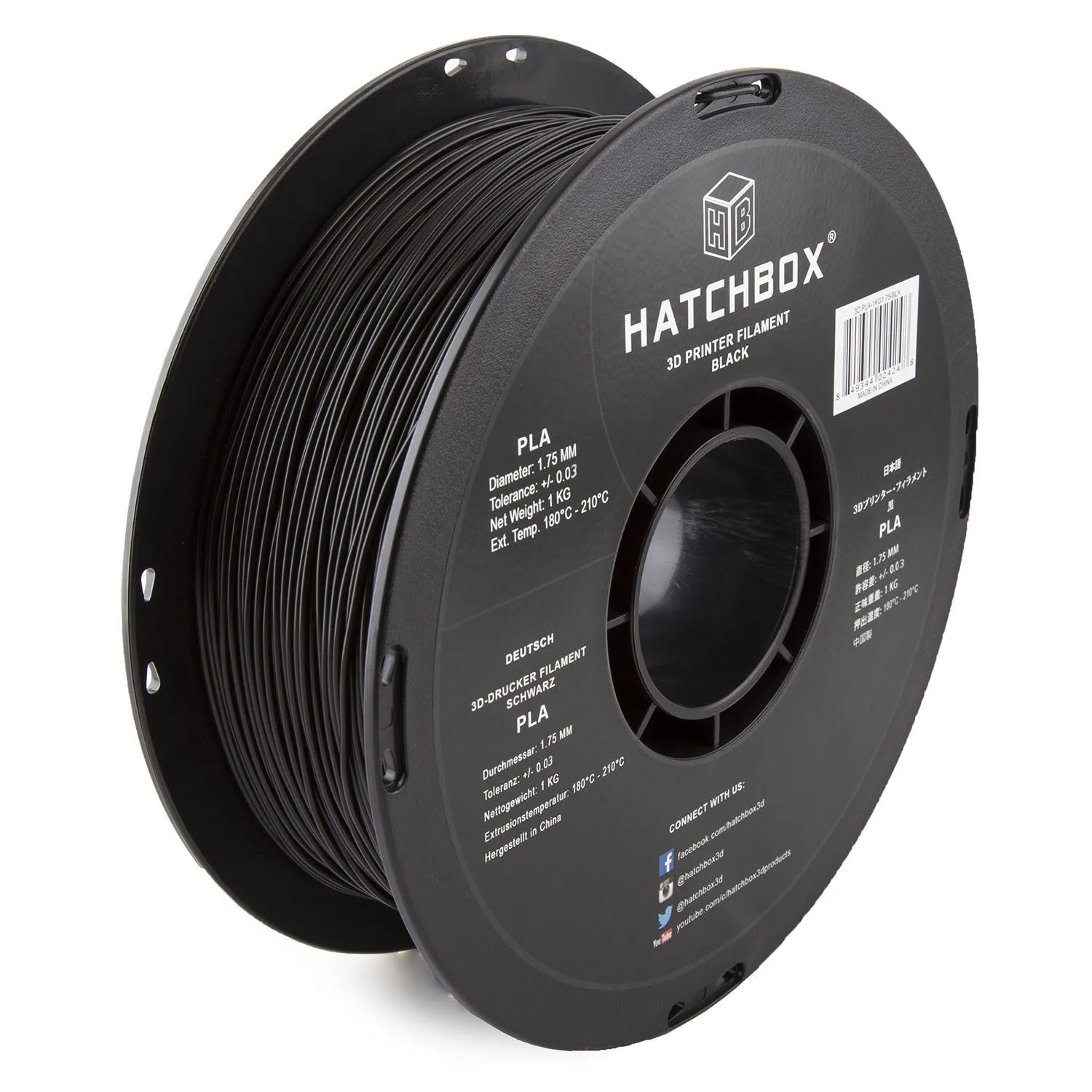
Filament spool ready for dry storage
ID: HATCHBOX_PLA

Our Top Pick

Hatchbox PLA Filament 1.75mm

The most popular PLA filament for good reason — consistent diameter, low moisture sensitivity, and a reliable baseline for testing your storage setup.

05_DIAGNOSTIC_SIGNS

Learn these three signs and you will never waste hours troubleshooting a printer when the real problem is moisture.

Sign 1: Popping and crackling. Listen to the nozzle. Fresh, dry filament extrudes silently. Wet filament produces audible pops and crackles as micro-bubbles of steam burst at the nozzle exit. This is the most reliable diagnostic — if you hear popping, the filament is wet. Period. No slicer setting or hardware adjustment fixes this. Dry the filament.

Sign 2: Stringing that was not there before. A spool that printed clean last week now strings. Nothing changed on the printer. The filament absorbed moisture from ambient air. The steam changes the melt viscosity, making the plastic ooze more during travel moves. Before adjusting retraction settings, dry the spool and retest. Nine times out of ten the stringing disappears. For additional stringing fixes, see our full troubleshooting guide.

Sign 3: Rough, bubbly surface. The print surface shows tiny bumps, pits, or a matte texture where it should be smooth. This is steam bubbles reaching the outer wall. In severe cases, the surface looks like orange peel. Compare a wet-filament print to a dry-filament print side by side — the difference is immediately obvious.

If all three signs appear simultaneously, the filament is very wet and needs the full drying cycle described above. If only mild stringing appears, a shorter two-to-three-hour drying session may be sufficient for PLA. Always print a small test object after drying to confirm the problem is resolved before starting a long print.

A quick calibration method: print a single-wall hollow cube (no infill, one perimeter, 0.2mm layer height) with the suspect filament. Examine the wall surface under good lighting. Dry filament produces smooth, even walls. Wet filament shows tiny pits, bumps, or a sandpaper-like texture where steam bubbles disrupted the extrusion. This test takes five minutes and uses under one gram of filament — a cheap diagnostic before committing to a multi-hour print job.

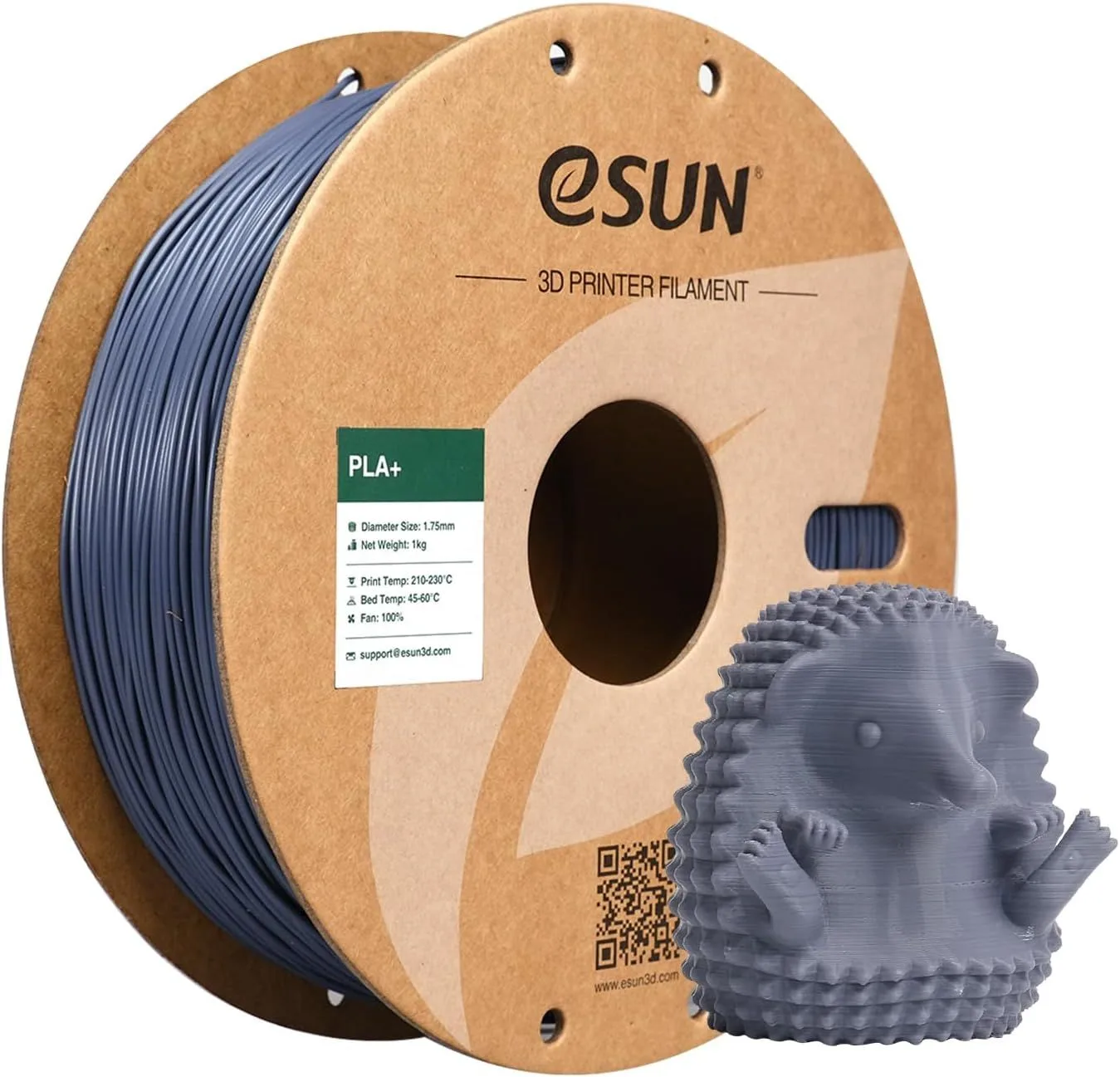
Quality filament with proper storage
ID: ESUN_PLA_PLUS

06_STORAGE_QUERIES

QUERY_01: HOW LONG DOES PLA LAST IF STORED PROPERL...

Sealed in a vacuum bag with fresh silica gel desiccant, PLA lasts 12-18 months without noticeable degradation. In a dry box with active desiccant, indefinitely. Left open on a shelf in a humid environment, print quality degrades within 2-4 weeks. PLA is the least moisture-sensitive common filament, but even it absorbs enough moisture over months to cause stringing and surface bubbling.

QUERY_02: CAN WET FILAMENT BE DRIED AND REUSED?...

Yes. Wet filament is not ruined — it just needs the moisture removed. Dry PLA at 45°C for 4-6 hours, PETG at 65°C for 4-6 hours, ABS at 80°C for 4 hours, and Nylon at 70°C for 8-12 hours. A food dehydrator, filament dryer, or oven at the correct temperature all work. After drying, the filament prints normally again. Re-seal immediately after drying to prevent re-absorption.

QUERY_03: WHAT HUMIDITY LEVEL IS SAFE FOR FILAMENT...

Below 20% relative humidity is ideal. Below 30% is acceptable for PLA and ABS. PETG, Nylon, and TPU need below 15% for long-term storage. A humidity indicator card inside your storage container shows the current level — blue means dry, pink means the desiccant needs replacing or regenerating.

QUERY_04: DO SEALED VACUUM BAGS WORK FOR FILAMENT ...

Yes, vacuum-sealed bags with desiccant are the most cost-effective storage method. The vacuum removes existing moisture, and the desiccant handles any residual humidity. Use bags designed for filament spools or large food vacuum bags. A manual hand pump works — no need for an electric vacuum sealer, though one is faster for multiple spools.

QUERY_05: HOW DO YOU KNOW IF FILAMENT HAS ABSORBED...

Three signs: (1) popping or crackling sounds during printing — steam bubbles forming in the nozzle, (2) visible stringing between parts that was not present with fresh filament, (3) rough or bubbly surface texture on prints. Severely wet filament may also cause inconsistent extrusion, weak layer adhesion, and under-extrusion as steam displaces plastic in the melt zone.

Now That You Know How to Store It

Storage sorted. Now pick the right filament and compare the two most popular PLA brands.

RELATED_CONTENT

David King
VERIFIED
WRITTEN_BY
David KingFounder

I built LayerDepth to create the detailed, unbiased 3D printer comparison resource I wished existed. With a background in aerospace manufacturing management at Rolls-Royce — overseeing the build and assembly of complete jet engine sections for Airbus and Boeing aircraft — I apply that same demand for rigorous analysis and high standards to evaluating print quality, mechanical reliability, and real-world performance.

Full methodology arrow_forward