01_THE_REAL_QUESTION
Choosing a first 3D printer in 2026 means picking from fifteen machines that all claim 500mm/s CoreXY speed, auto-leveling, and touchscreen controls at the $200-$400 price point — a selection that would have been unthinkable two years ago when these features cost triple. This guide cuts through the identical spec sheets to focus on what actually determines whether your printer stays on your desk or ends up in your closet: what you want to make, how much you want to spend, and which machines survive past the first month of ownership.
We've reviewed every major printer on the market and cross-referenced thousands of real buyer reviews. The pattern is unmistakable.
The people who love their printers bought one that matched their use case. The people writing angry one-star reviews bought the wrong type of printer for what they wanted to do — a resin printer when they wanted big functional parts, a tiny build volume when they wanted cosplay props, an open-frame machine when they needed ABS for heat-resistant parts.
The 3D printer market in 2026 is not like it was even two years ago. Bambu Lab forced every manufacturer to compete on ease of use. Auto-leveling, auto-calibration, and print speeds above 500mm/s are now standard at the $200-$400 price point. The printers that used to require hours of tuning now work out of the box. That's the good news. The bad news: fifteen different printers now claim the same specs, making the choice harder, not easier. For a data-driven look at how the major brands actually compare, we ranked them by long-term owner satisfaction, not marketing claims.
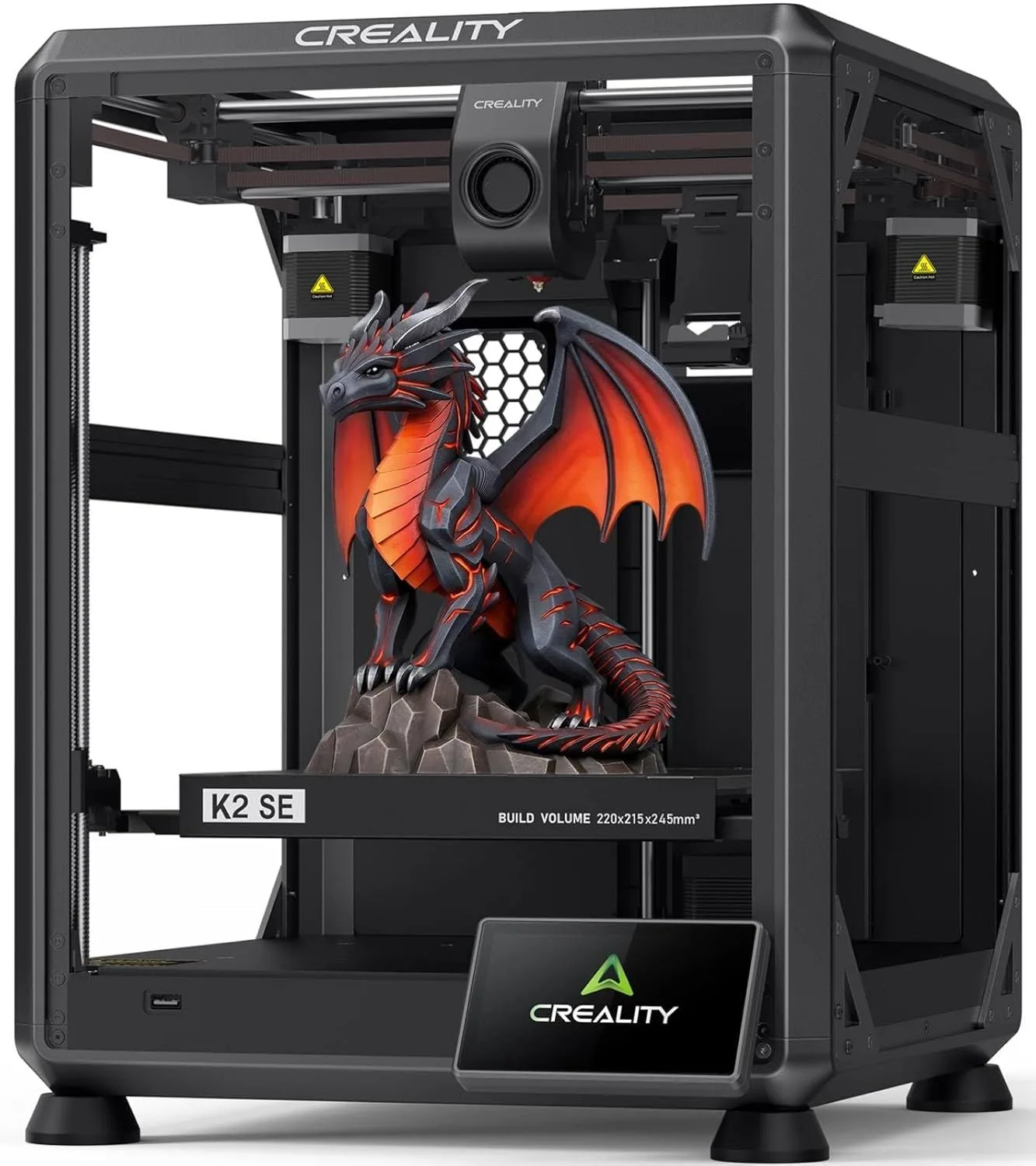
Here's the thing: we've watched Creality K2 SE ratings climb from 3.0 to 5.0 over a single year as firmware updates fixed early issues. We've seen FlashForge AD5M owners report total failures at three months despite six confirmed marketing claims at launch. The spec sheet tells you what a printer can do on day one. We care about what it does on day ninety.