Review sites tell you what to buy. Nobody tells you where to put it.
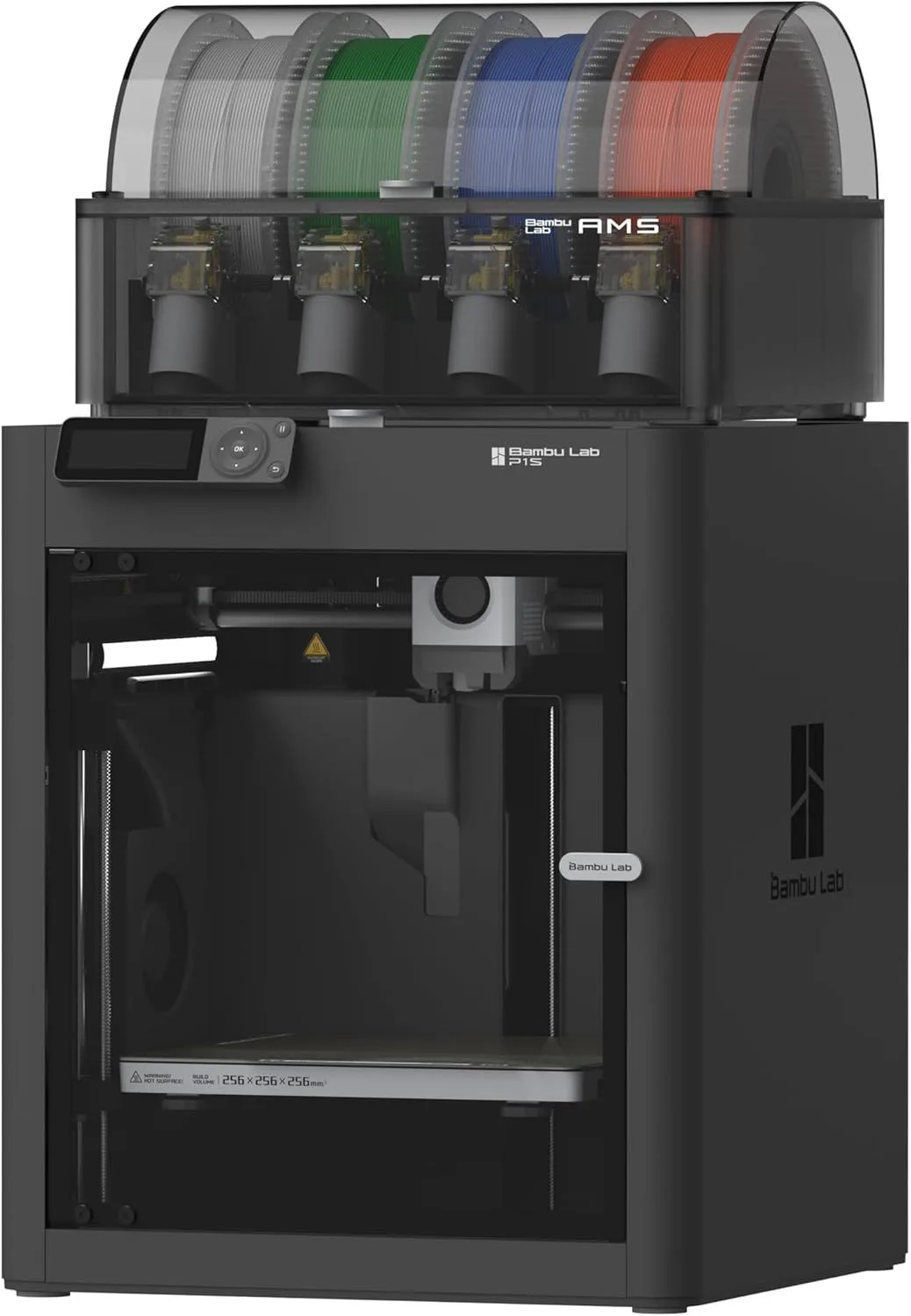
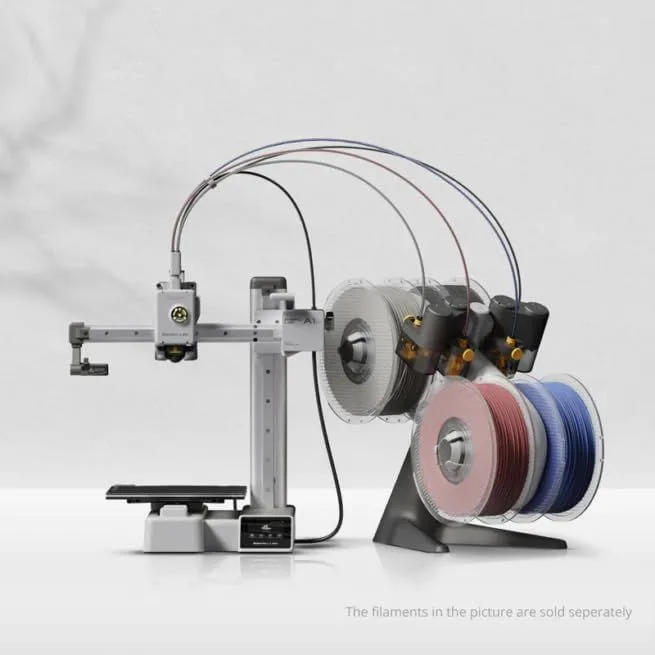
A 3D printer running at 300-500mm/s generates 45-55dB of noise — comparable to a dishwasher or a conversation at normal volume. Enclosed machines like the Bambu Lab P1S run quieter than open-frame machines because the panels absorb motor vibration. The A1 Mini at 48dB is the quietest in our database — usable in a bedroom with the door closed. The K2 SE at ~50dB is noticeable in a shared room but disappears into background noise if the TV is on. CoreXY machines vibrate less than bed-slingers because the build plate stays stationary — less mass moving means less vibration transmitted to the desk surface.
Placement matters more than most buyers realize. A sturdy desk or table with minimal wobble prevents print artifacts caused by machine vibration resonating through the furniture. IKEA Lack tables (the $10 side table beloved by the 3D printing community) are popular enclosure bases for a reason — lightweight, cheap, and the right height. Never place a printer on a glass surface (vibration amplification) or a shelf that flexes (dimensional accuracy suffers). A solid wood desk, concrete countertop, or heavy metal shelving unit provides the stable platform every printer needs. Rubber feet or a concrete paver underneath absorbs vibration that would otherwise transmit through the floor to adjacent rooms.
PLA printing is safe for any room in the house. PLA is made from corn starch and produces minimal volatile organic compounds at printing temperatures. No ventilation required. PETG is similarly safe. ABS, ASA, and nylon produce fumes that require ventilation — an open window or exhaust fan is mandatory, and printing these materials in a bedroom is a bad idea regardless of printer quality. If you plan to stay with PLA and PETG (which covers 90% of home use cases), the printer can live anywhere with a power outlet and wifi signal. Our filament guide covers material safety in detail.
The first month is a learning curve. Expect 2-3 failed prints as you learn your slicer settings, discover which bed temperatures work for your environment, and figure out which models need supports versus which print clean without them. This is normal. Every printer owner goes through it. The difference between a $200 printer and a $1000 printer is not zero failures — it is fewer failures and faster recovery when they happen. By month two, most home users have their default settings dialed and prints succeed 95%+ of the time.
What home users actually print, based on community surveys and our review mining data: replacement parts for household items (drawer handles, appliance knobs, shelf brackets), organizational tools (cable clips, desk organizers, wall hooks), gifts and toys (custom phone cases, figurines, puzzles), and hobby-specific items (camera mounts, fishing lure molds, garden markers, cosplay components). The most productive home printers are the ones that solve a real household problem within the first week — a broken dishwasher rack clip, a custom mount for a router, a replacement knob for a stove. Once the printer solves a real problem, it stops being a gadget and becomes a tool. That mindset shift is what separates the printer that gets used daily from the one that collects dust after the novelty wears off.
Ongoing costs are lower than most people expect. A 1kg spool of PLA costs $18-26 and prints roughly 150-400 small objects depending on size. A typical home user goes through 2-4 spools per year — under $100 in materials. Electricity cost is negligible: a 300W printer running 4 hours per day costs roughly $15/month. Replacement nozzles ($5-15 each) last 3-12 months depending on materials. The per-object cost of a 3D-printed replacement part is usually under $1 in materials — versus $10-30 to order the same part online, if it's even available. The economics are compelling for anyone who fixes rather than replaces. See our full cost breakdown for year-by-year ownership projections.