BEST MULTICOLOR 3D PRINTERS
AMS, CFS, ACE — three competing multicolor systems, four printers, and the real question: how much does multicolor actually cost in filament waste? Ranked with data from 9,800+ user reviews.
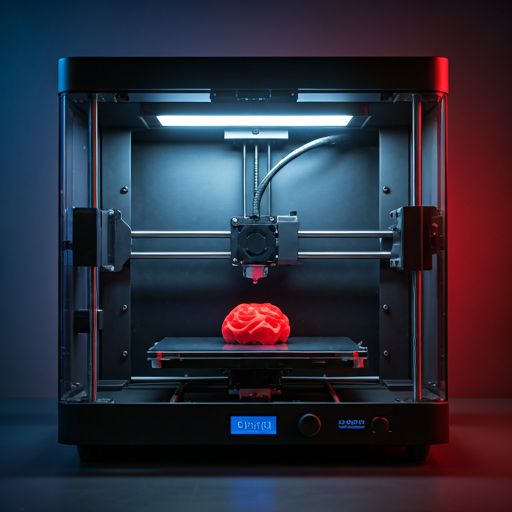
Multicolor 3D printing went from a $2,000+ luxury to a $300 reality in two years. Bambu Lab's AMS launched the revolution. Creality's CFS and Anycubic's ACE followed. Today, every major printer brand offers a multi-material add-on system that lets you print in 4-16 colors using a single nozzle with automated filament changes.
Here's the thing nobody mentions in the marketing: every multicolor system wastes filament. A lot of filament. Each color transition requires a purge tower — a sacrificial block of material that clears the previous color from the nozzle before the new color starts. On a 4-color print, purge waste adds 15-30% to your total filament usage and 20-40% to print time. On a complex 8-color print with frequent transitions, waste can exceed 40%. The "multicolor for free" pitch is misleading — multicolor adds ongoing material cost to every print that uses it.
We ranked these four multicolor systems on total cost of ownership (printer + add-on + ongoing waste), color transition quality, software integration, and user satisfaction from 9,800+ reviews. The #1 pick is not the cheapest system. It is the one where the highest percentage of users report consistent, reliable multicolor results without constant troubleshooting — because a multicolor system that jams on the third color change of an 8-hour print is worse than a system that costs more but finishes every job.
Every printer on this list can produce multicolor objects that look like they came from a professional paint booth. The difference is how much effort and waste it takes to get there. The X1 Carbon with AMS produces the most consistent results. The K2 Plus Combo scales to the most colors. The Kobra S1 Combo costs the least. The A1 Mini with AMS Lite offers the lowest entry point for trying multicolor.
THE SHORT LIST
- 01 BEST_OVERALL
 UNIT_01
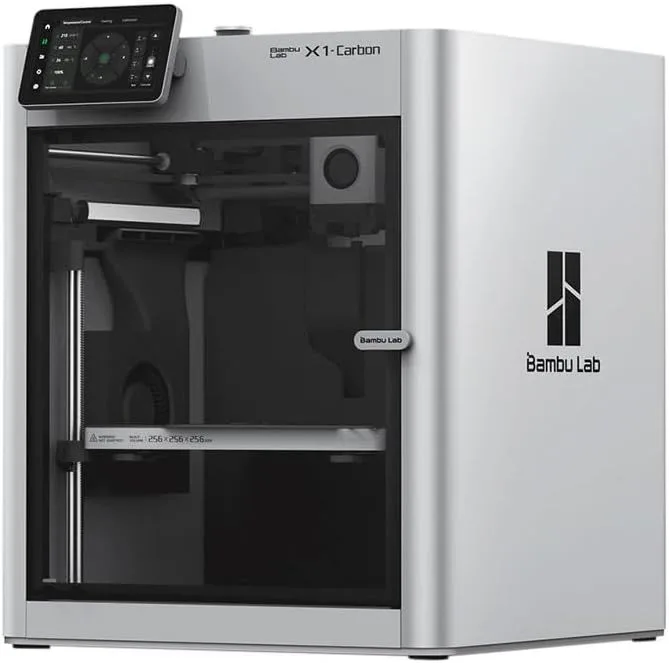
Bambu Lab X1 Carbon
$1,000+
Prosumers and advanced hobbyists who print carbon fiber and engineering materials
Check Price - 02 MOST_COLORS
 UNIT_02
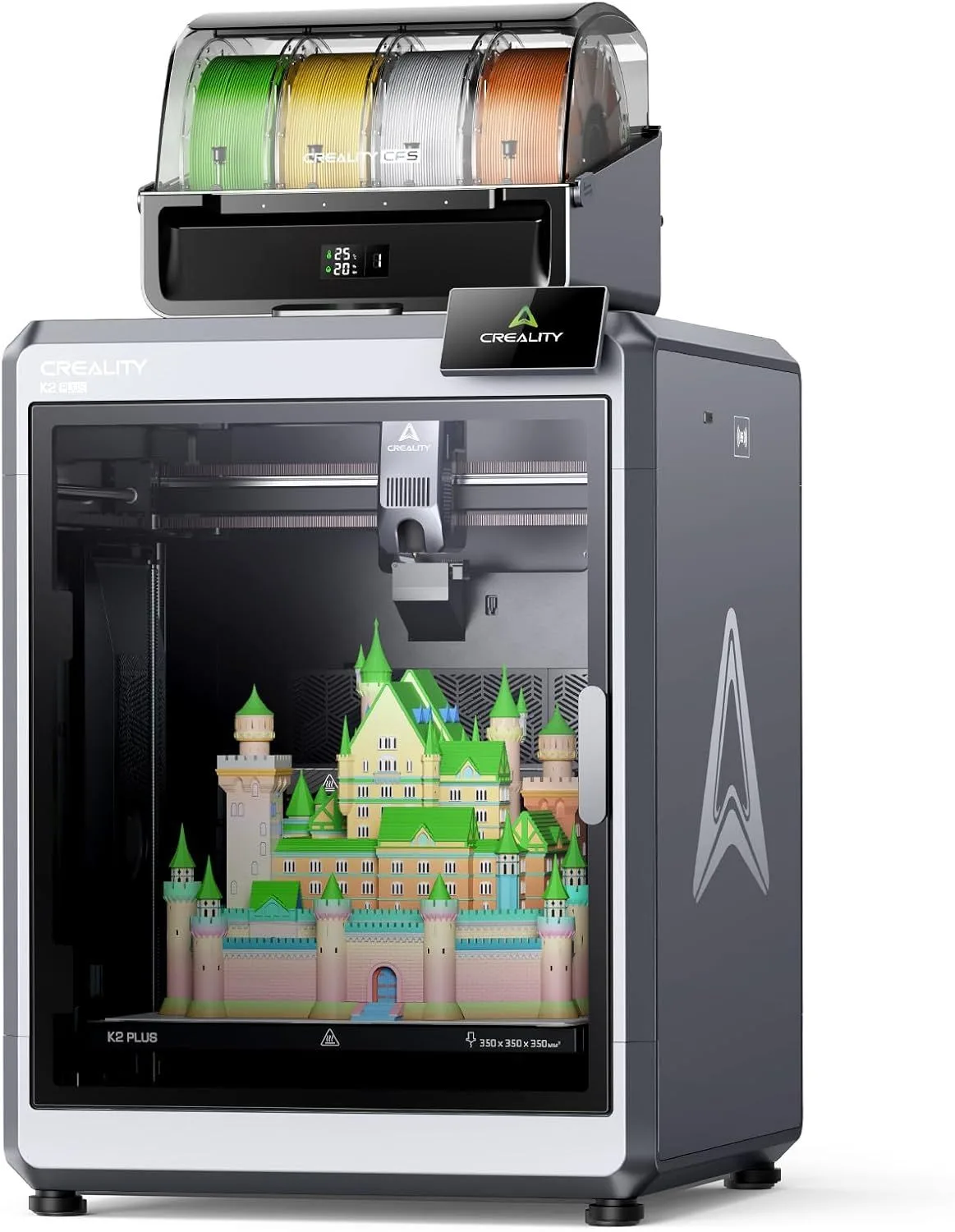
Creality K2 Plus Combo
$1,000+
Prosumers needing large-format multicolor — cosplay props, full-scale prototypes
Check Price - 03 BEST_VALUE
 UNIT_03
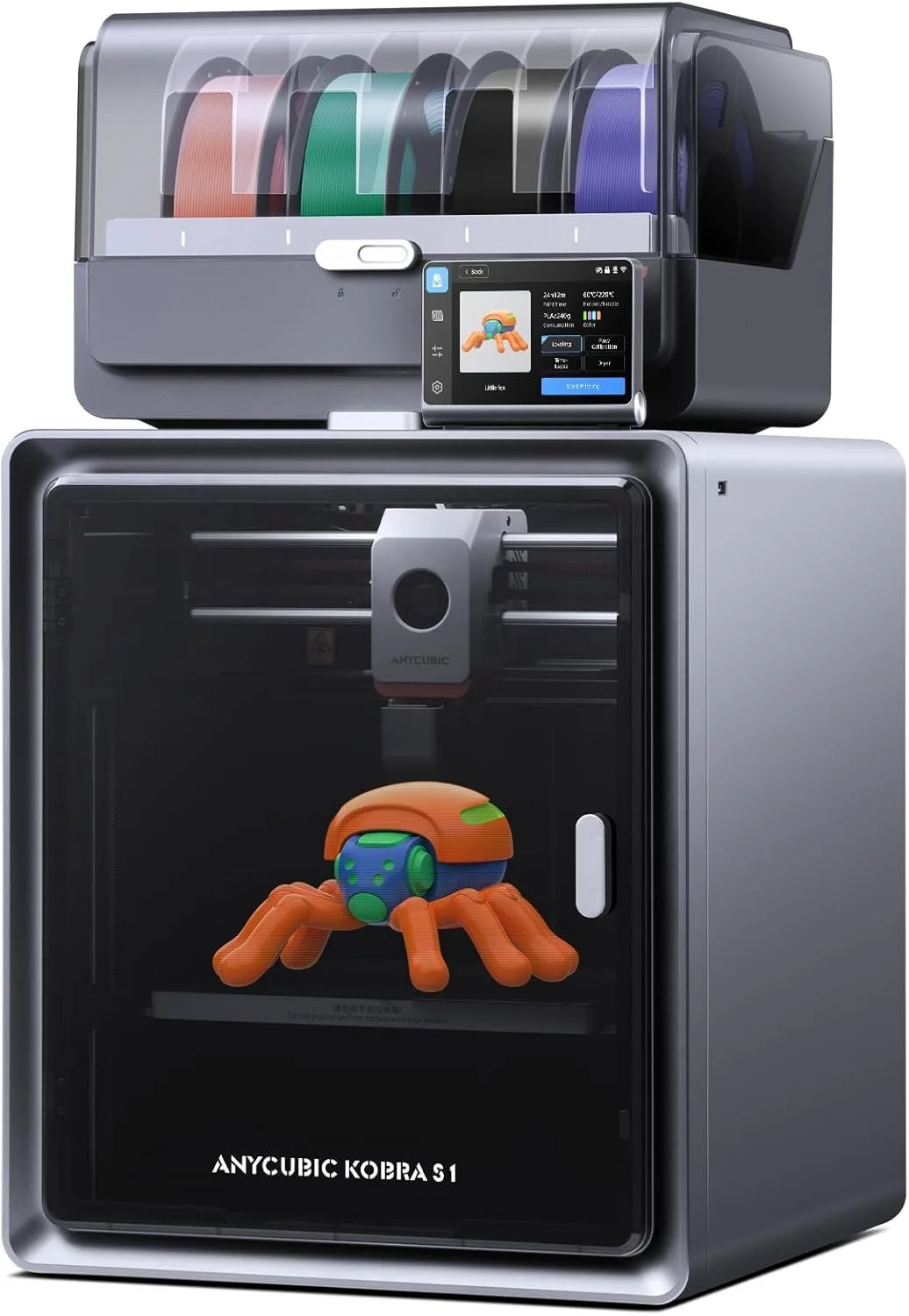
Anycubic Kobra S1 Combo
$400–$600
Multi-color printing with built-in filament drying for hygroscopic materials
Check Price - 04 BUDGET_ENTRY
 UNIT_04
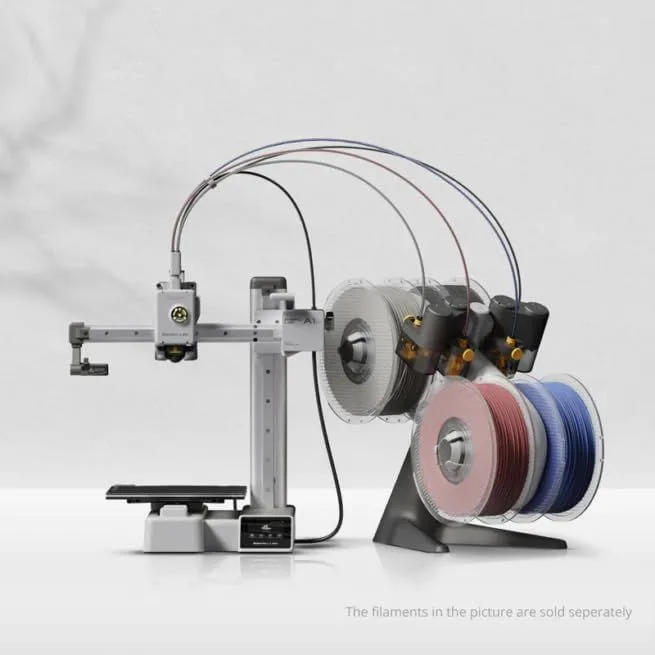
Bambu Lab A1 Mini
Under $200
Beginners, compact desks, and multi-color experimentation
Check Price
01
BEST_OVERALLBambu Lab X1 Carbon
$1,000+ · AMS 4-Color (expandable to 16)
The X1 Carbon with AMS is the gold standard for consumer multicolor printing. LIDAR-assisted calibration detects and corrects print deviations in real-time — a feature no other multicolor system offers. The AMS auto-detects Bambu-branded spools via RFID, loading the correct temperature and retraction profiles without manual input. On multicolor prints where you load 4 different materials across 4 AMS slots, this auto-detection eliminates the most common setup error.
The X1 Carbon's purge behavior is optimized by Bambu Studio's algorithm, which calculates minimum purge volumes based on the specific color pair being transitioned. White-to-black transitions get larger purge towers than blue-to-green transitions. This adaptive purging reduces waste by 10-15% compared to fixed-volume purge systems. Across 7,800 reviews, multicolor reliability rates above 95% for standard PLA transitions — the highest in our dataset.
At its price point, the X1 Carbon is expensive for multicolor-only use. Its value proposition combines multicolor with LIDAR calibration, hardened steel nozzle for carbon fiber filaments, and enclosed chamber for engineering materials. If you only need multicolor PLA printing, the K2 Plus Combo or Kobra S1 Combo achieve comparable color results at lower system cost. If you need multicolor AND premium quality AND wide material support, nothing else matches the X1 Carbon at any price.
02
MOST_COLORSCreality K2 Plus Combo
$1,000+ · CFS 4-Color (expandable to 16)
The K2 Plus Combo is the only consumer printer that combines 350mm cubic build volume with 16-color capability. The CFS (Creality Filament System) ships with 4 filament slots and expands by chaining additional CFS units — each adds 4 more slots, up to a total of 16 simultaneous materials. No other system matches this color count at any price point in the consumer market.
The 350mm build volume matters for multicolor because the most demanding multicolor prints — full cosplay helmets, terrain sets, architectural models — are also the largest prints. On a 220mm printer, these objects require splitting into sections and post-assembly alignment of color boundaries. The K2 Plus prints them in one piece with perfect color registration across the entire build volume.
The enclosed chamber with heated air maintains thermal stability during the extended print times that multicolor demands. A 16-color terrain piece on the K2 Plus can run 20+ hours — ambient temperature fluctuations during that time would ruin open-frame prints. Dual AI cameras monitor for failures during these marathon sessions. The CFS purge system works well for same-material color changes but can clog on dissimilar material transitions (PLA to TPU, for example). Stick to same-material multi-color and reliability stays high.
03
BEST_VALUEAnycubic Kobra S1 Combo
$400–$600 · ACE Pro 4-Color
The Kobra S1 Combo ships as a complete multicolor package — printer + ACE Pro multi-material system included, no separate add-on purchase. This bundled approach delivers the lowest total system cost for 4-color printing. Anycubic positioned the S1 specifically for the multicolor market segment, and the pricing reflects that focus.
The ACE Pro system handles 4 filaments through a Y-splitter design functionally identical to AMS and CFS. Color transition quality on same-material swaps (PLA to PLA in different colors) matches the more expensive systems. Where the ACE Pro falls behind: software polish. Anycubic's slicer lacks the adaptive purge algorithms that Bambu Studio offers, which means slightly more waste per color transition. OrcaSlicer support partially closes this gap for users willing to configure third-party software.
The Kobra S1 itself is a capable CoreXY printer independent of the multicolor system — 220mm build volume, auto-leveling, enclosed frame. Users who decide multicolor is not for them (it happens — the purge waste frustrates some buyers) still have a solid enclosed printer for single-material use. That dual-purpose capability makes the Kobra S1 Combo a lower-risk purchase than buying a printer and multicolor system separately.
04
BUDGET_ENTRYBambu Lab A1 Mini + AMS Lite
Under $200 printer · AMS Lite sold separately
The A1 Mini with AMS Lite is the cheapest path into Bambu-quality multicolor printing. The AMS Lite handles 4 filaments with RFID auto-detection, the same color transition algorithms as the X1 Carbon's AMS, and integration with Bambu Studio's adaptive purge calculator. The per-color-transition quality matches the X1 Carbon — the AMS algorithm is shared across the entire Bambu ecosystem.
The limitation is build volume. At 180mm cubed, multicolor prints on the A1 Mini are inherently small-format. A 4-color figurine fits. A 4-color cosplay helmet does not. For buyers who want to explore multicolor printing on desktop-sized objects — phone cases, miniatures, keychains, small decorative pieces — the A1 Mini + AMS Lite is the lowest-cost entry into high-quality multicolor with Bambu ecosystem reliability.
The A1 Mini also serves as an excellent testing platform before committing to a full-size multicolor setup. Print a few multicolor projects, understand the purge waste overhead, decide if multi-material workflow matches your patience level, then upgrade to the X1 Carbon or K2 Plus if multicolor becomes a regular part of your printing. The AMS Lite transfers directly to the A1 (non-Mini) if you upgrade within the Bambu ecosystem — no wasted investment.
AMS VS CFS VS ACE
All three multicolor systems solve the same problem the same way: automated filament changes through a Y-splitter into a single nozzle, with purge waste generated at each transition. The differences live in software integration, purge optimization, reliability, and ecosystem lock-in.
Bambu AMS is the most polished. RFID spool detection auto-loads profiles. Bambu Studio's adaptive purge calculator minimizes waste. The AMS communicates bidirectionally with the printer — it knows remaining filament quantity and warns before running out mid-print. The downside: the AMS only works with Bambu printers. If you switch brands, the AMS becomes paperweight hardware.
Creality CFS is the most scalable. Each CFS unit adds 4 slots, chainable up to 16 total — more than any other consumer system. CFS costs 20-30% less than AMS at equivalent color counts. The downside: no RFID, manual spool identification, and Creality Print's slicer produces larger purge towers than Bambu Studio on identical color transitions. OrcaSlicer partially closes this waste gap.
Anycubic ACE Pro is the newest. Bundled with the Kobra S1, it offers the lowest total system cost. The hardware performs well on same-material transitions. The software is the weakest — Anycubic's slicer has the least sophisticated purge optimization, and OrcaSlicer support for ACE is newer with fewer tuned profiles. For beginners who want to try multicolor without a large investment, the bundled pricing makes ACE Pro the lowest-risk option.
The purge waste economics are real and ongoing. A 4-color PLA Benchy (a common test print) wastes approximately 15-25 grams of filament on the purge tower — that is 1.5-2.5% of a full spool per test print. On complex models with frequent color changes (logos, text, multicolor figurines), waste scales to 30-50 grams per print. At 5 multicolor prints per week, you will go through an extra spool every 3-4 weeks purely in purge waste. Factor this into your ongoing cost calculations.
BAMBU AMS
- + RFID auto-detection
- + Adaptive purge optimization
- + Remaining filament tracking
- − Bambu-only compatibility
- − Higher per-unit cost
CREALITY CFS
- + 20-30% cheaper than AMS
- + Expandable to 16 colors
- + Filament runout detection
- − Manual spool identification
- − Larger purge volumes
ANYCUBIC ACE PRO
- + Lowest total system cost
- + Bundled with printer
- + Adequate transition quality
- − Weakest slicer optimization
- − Newest system, fewer profiles
THE TRUE COST OF MULTICOLOR
Marketing materials show stunning multicolor prints. They do not show the purge tower next to them — a column of wasted filament that can weigh 30-50 grams on a complex 4-color model. That waste is the hidden ongoing cost of multicolor printing, and it compounds with every print job.
A practical example: a 4-color Benchy (the standard boat test print) takes approximately 45 minutes in single color. Add 4 colors and the same Benchy takes 70-90 minutes and uses 25% more filament. The extra time and material come entirely from purge tower generation and filament change sequences. On small objects, the overhead percentage is high. On large objects with fewer transitions per layer, it drops to 10-15%.
Look — multicolor prints are beautiful. The ability to print a full-color logo, a gradient sculpture, or a multi-material functional part in a single session changes what is possible in the hobby. But walk in with eyes open about the ongoing cost. Budget an extra spool per month purely for purge waste if you print multicolor 3-5 times per week. At Hatchbox PLA or eSUN PLA+ pricing, that is a modest but real addition to your monthly filament budget.
Purge-into-infill is a slicer feature that reduces waste by redirecting purge material into the print's internal structure instead of a separate tower. Bambu Studio and OrcaSlicer both support this. It does not eliminate waste — you are still extruding the same transition volume — but it uses that material productively instead of discarding it. On solid parts with 30%+ infill, purge-into-infill can reduce visible waste by 50-70%. On hollow or thin-walled parts, the benefit is minimal.
One more cost factor: multicolor prints fail more often than single-color prints. Each filament change is a potential failure point — a tangle, a jam, a retraction error. On a 4-color print with 50 color transitions, you have 50 opportunities for a filament change failure that ruins the entire print. The X1 Carbon's AMS has the lowest failure rate in our data (under 5% per transition), but even at 5%, a 50-transition print has a non-trivial chance of encountering at least one issue. Factor failed print material into your cost calculations alongside purge waste.
WHEN TO SKIP MULTICOLOR
Multicolor printing is not for everyone. Three scenarios where buying a multicolor system wastes money:
You print functional parts. Brackets, mounts, enclosures, tool holders — these objects do not benefit from multiple colors. A single-material printer running eSUN PLA+ produces stronger functional parts faster and with zero purge waste. Adding colors to a cable bracket does not make it a better cable bracket.
You paint your prints. If your workflow includes sanding, priming, and painting — cosplay pieces, model kits, tabletop miniatures — multicolor adds complexity for features that paint covers better. A single-color base coat followed by manual painting produces richer color depth and finer detail than any filament color change can achieve.
You are a complete beginner. Master single-material printing first. Understand bed adhesion, layer settings, retraction tuning, and temperature profiles before adding the complexity of filament changes, purge towers, and multi-material slicer configuration. The jump from "first successful print" to "first successful 4-color print" is a larger gap than most buyers expect. Get comfortable with single-color printing for 2-3 months before adding multicolor to your workflow.
Everyone else — graphic designers printing branded prototypes, tabletop gamers printing full-color terrain, crafters making multicolor ornaments and decorative pieces, and makers who love the aesthetic of clean color transitions — multicolor is worth the investment and the ongoing filament overhead.
Filament selection for multicolor deserves specific guidance. Same-brand, same-formulation PLA across all AMS/CFS/ACE slots produces the cleanest transitions with the smallest purge towers. Mixing brands introduces temperature mismatches — Hatchbox PLA at 200°C and eSUN PLA+ at 220°C in adjacent slots means one material runs outside its optimal temperature during every transition. Stick to one brand in multicolor mode. For Bambu printers, Bambu Lab PLA Basic with RFID auto-detection is the path of least resistance. For Creality and Anycubic systems, Hatchbox PLA in multiple colors provides consistent temperature profiles across all slots.
Color choice affects purge volume. High-contrast transitions (white to black, yellow to dark blue) require larger purge towers than low-contrast transitions (light blue to medium blue, orange to red). Designing your multicolor models with transition-friendly color adjacency — grouping similar colors on adjacent layers — reduces waste by 15-25%. Bambu Studio and OrcaSlicer both offer "paint" tools that let you manually assign colors to model regions, giving you control over which transitions occur most frequently. Plan your color assignments around the transition cost, not just the visual result.
The multi-material printing use case that nobody talks about enough: dissolvable supports. PVA (polyvinyl alcohol) is a water-soluble filament that dissolves in warm water. Loading PVA in one AMS slot and PLA in the remaining three lets you print objects with complex internal geometry and overhangs that would be impossible with standard breakaway supports. The PVA dissolves cleanly, leaving smooth surfaces where support material once existed. For miniatures, dental models, and mechanical assemblies with interlocking parts, dissolvable supports change what is printable — not just how many colors you can use. The X1 Carbon handles PVA natively. The K2 Plus Combo supports it through CFS. The A1 Mini and Kobra S1 handle PVA with appropriate temperature profiles in the slicer.
Maintenance on multicolor systems adds an additional layer of care beyond single-material printing. The filament change mechanism (the Y-splitter, retraction gears, and PTFE tube path) accumulates debris from hundreds of filament swaps. Clean the filament path every 50-100 print hours — a 10-minute task that prevents the gradual buildup of PLA dust and retraction debris that causes unexpected jams on hour 200. All four systems on this list include instructions for filament path maintenance, but the cleaning schedule is a suggestion, not an alert. Set a reminder and do it before the system forces you to by jamming during your most important multicolor print.
WHICH SYSTEM FITS YOUR PRINTS
The Bambu Lab X1 Carbon with AMS wins for users who want the most reliable multicolor experience with the least troubleshooting. RFID detection, adaptive purging, and LIDAR calibration combine to produce the highest first-attempt success rate on multicolor prints. The price is the highest on this list — but the total cost includes fewer failed prints and less wasted filament per successful object.
The K2 Plus Combo wins for users who need 8-16 colors or large-format multicolor. No other consumer system matches its combination of 350mm volume and 16-color expandability. The Kobra S1 Combo wins on total cost — the bundled pricing makes it the lowest-risk multicolor entry. The A1 Mini with AMS Lite is the test-the-waters pick for buyers unsure if multicolor printing matches their workflow.
Before buying any multicolor system, print a few models in single color first. Understand your printer's behavior, learn basic slicer settings, and build confidence with single-material jobs. Multicolor adds complexity to every print — purge towers, transition settings, color-specific temperature profiles. That complexity is manageable for users who already understand their printer. It is overwhelming for users still learning what "retraction distance" means.
The multicolor market will continue evolving rapidly. Purge-less systems (using multiple nozzles instead of single-nozzle filament changes) are in development at several manufacturers but not yet consumer-ready at these price points. When they arrive, the purge waste problem disappears — but the current generation of AMS, CFS, and ACE systems represents the best available technology for multicolor printing today. Buy for what exists now, not what might ship in 18 months.
For the complete technical breakdown of how AMS, CFS, IFS, and ACE systems work at the mechanical level — including filament path diagrams, retraction timing, and purge tower optimization techniques — our X1 Carbon review and K2 Plus Combo review cover each system in depth. Start there before deciding which multicolor ecosystem fits your creative workflow and budget constraints.
MULTICOLOR_FAQ
What is the difference between AMS and CFS multicolor systems? expand_more
How much filament does multicolor printing waste? expand_more
Can the Kobra S1 Combo print 4 colors at once? expand_more
Is the X1 Carbon worth it for multicolor? expand_more
How many colors can the K2 Plus Combo print? expand_more
Rankings are based on 9,800+ combined user reviews: Bambu Lab X1 Carbon (7,800+ ecosystem reviews including multicolor-specific feedback), Creality K2 Plus Combo (890+ reviews), Anycubic Kobra S1 Combo (380+ reviews), and Bambu Lab A1 Mini AMS Lite data extracted from A1 ecosystem reviews. Scoring weights: color transition reliability (30%), total system cost (25%), purge waste efficiency (20%), software integration (15%), expandability (10%). No manufacturer provided units or compensation for this roundup.
